
Cryptocurrency mining can be profitable but only if you approach it strategically.
In this guide, we’ll break down advanced mining tips, including how to use Antminer hardware for Bitcoin, how to mine Ethereum (Ether) with your custom-built rig, and how to reduce operating costs while keeping your mining computer running efficiently.
Whether you’re mining Bitcoin or alternative cryptocurrencies, optimizing both hardware and software is critical.
Using Antminer Hardware for Bitcoin Mining
When it comes to mining Bitcoin, ASIC miners like the Antminer series dominate the market.
Why Use Antminer for Bitcoin?
- Designed specifically for Bitcoin’s SHA-256 algorithm
- Higher hash rate compared to GPU rigs
- Optimized for efficiency
- Plug-and-play mining setup
In advanced mining lectures, you’ll learn how to:
- Configure Antminer hardware
- Connect to mining pools
- Optimize cooling and airflow
- Monitor performance and uptime
ASIC miners are powerful but they also consume significant electricity. That’s why optimization matters.
Mining Ethereum (Ether) with a Custom Mining Rig

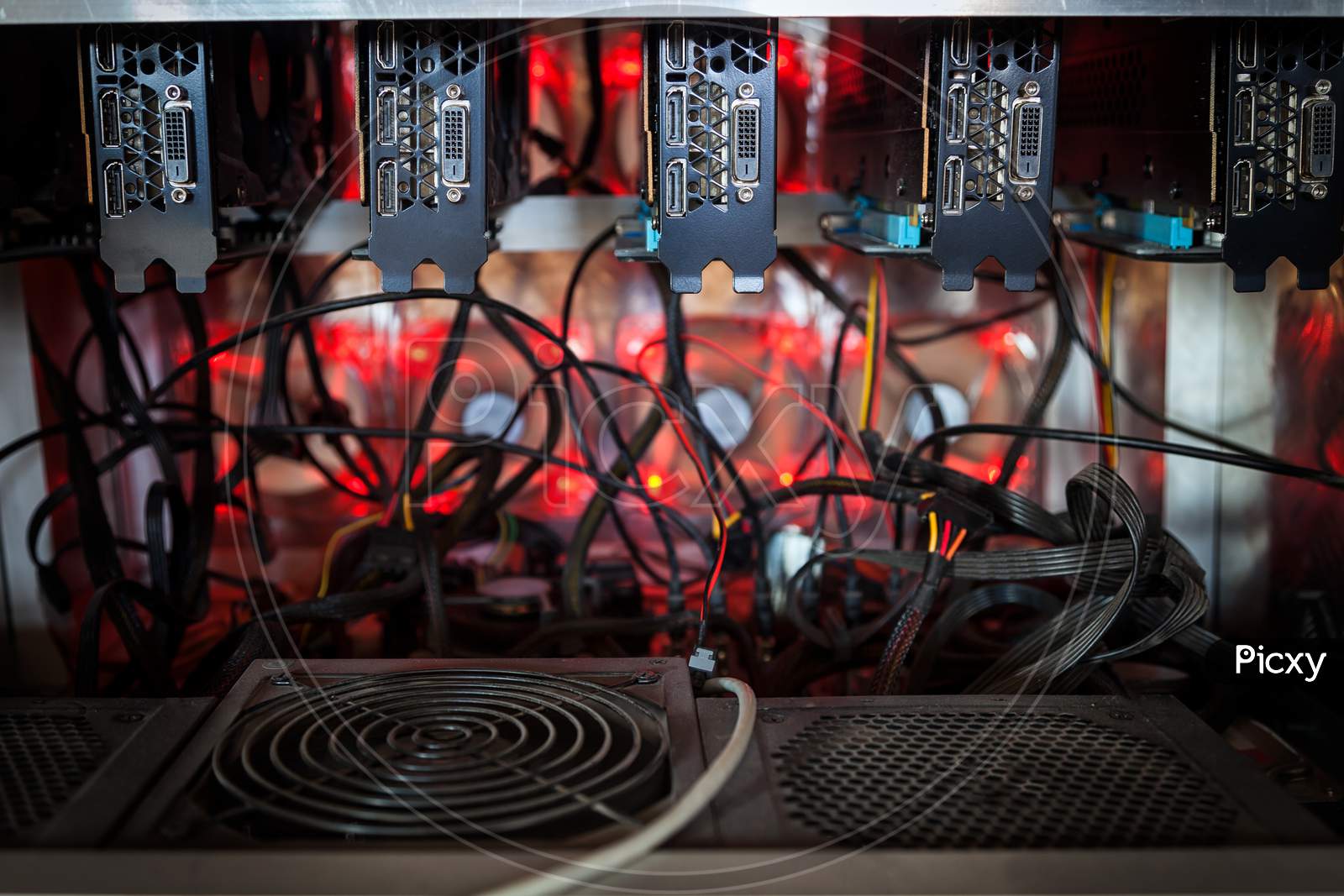
If you’ve built your own mining computer, you can mine Ethereum (Ether) and other altcoins using GPU-based mining.
What You’ll Need:
- A GPU mining rig
- Mining software (covered in detail in advanced lessons)
- Access to a mining pool
- Secure wallet to store mined coins
Ethereum mining relies heavily on GPU performance.
The better optimized your hardware and software, the higher your efficiency.
Advanced Mining Tips to Save Money
Mining profitability often comes down to reducing operating costs.
Here are practical ways to save money while maintaining performance.
1. Use Linux Instead of Windows
One of the easiest ways to reduce costs is switching from Windows to Linux.
Why Linux?
- Free operating system
- Lightweight and efficient
- Ideal for dedicated mining machines
- Can boot directly from USB
You can install Linux on a USB drive and boot directly from BIOS. This saves money on:
- Windows license
- Optical drives (CD/DVD)
- Additional storage overhead
For mining rigs that run 24/7, Linux is often more stable and power-efficient.
2. Disable Unused Hardware in BIOS
Every component draws power even unused ones.
You can reduce energy usage by:
- Disabling extra USB ports
- Turning off unused peripherals
- Disabling unnecessary motherboard features
While savings may be small, over time, every watt counts.
To do this:
- Enter BIOS during boot
- Locate hardware settings
- Disable unused ports and controllers
Even minor adjustments improve efficiency.
3. Automatic Reboot Without Power Switch (Use Caution)
Some miners configure their rigs to automatically reboot after a power outage.
This can be done by:
- Adjusting BIOS settings
- Removing or bypassing manual power switch dependence
⚠️ Important Safety Warning:
This setup can be risky. If a fault occurs, the system may restart unattended. Always prioritize electrical safety and proper monitoring.
4. Use Remote Access Software to Monitor Your Rig

If you’re at work or away from home, remote monitoring is essential.
Popular tools include:
- LogMeIn
- Remote desktop solutions
- Free remote access software
Benefits:
- Monitor mining software uptime
- Restart crashed programs
- Check temperatures
- Ensure hashing is active
⚠️ Security Reminder:
Remote access introduces risk. Use strong passwords, enable two-factor authentication, and secure your network.
5. Add Mining Software to Startup
To avoid downtime:
- Place mining software in the Windows Startup directory
- Configure Linux auto-start scripts
- Enable auto-login (securely configured)
This ensures:
- Mining resumes after reboot
- No manual intervention needed
- Maximized uptime
Since mining profitability depends on continuous hashing, automation is crucial.
Mining Software: The Hidden Performance Multiplier
Hardware is only half the equation.
Software optimization includes:
- Selecting the correct mining client
- Optimizing GPU drivers
- Adjusting power limits
- Choosing the right mining pool
- Monitoring hash rate performance
Advanced mining tutorials typically cover:
- Step-by-step mining software setup
- Pool configuration
- Wallet integration
- Troubleshooting
Without proper software optimization, even expensive hardware underperforms.
Safety Considerations When Mining at Home
Mining hardware generates:
- Heat
- Continuous electrical load
- Noise
Before running a mining rig 24/7:
- Ensure proper ventilation
- Use surge protection
- Monitor temperatures
- Avoid overloaded circuits
Remote monitoring helps, but nothing replaces proper physical setup.
Final Thoughts: Optimize Smartly, Mine Strategically
Advanced cryptocurrency mining isn’t just about building hardware.
It’s about:
- Reducing costs
- Maximizing uptime
- Automating intelligently
- Securing your system
- Monitoring remotely
Whether you’re mining Bitcoin with Antminer hardware or Ethereum using a GPU mining rig, profitability depends on smart configuration and disciplined management.
As you progress into more advanced mining strategies, you’ll uncover additional techniques to improve efficiency and scale responsibly.
Mining rewards discipline.
Optimize every detail.
Monitor constantly.
And always prioritize safety.




Leave A Comment