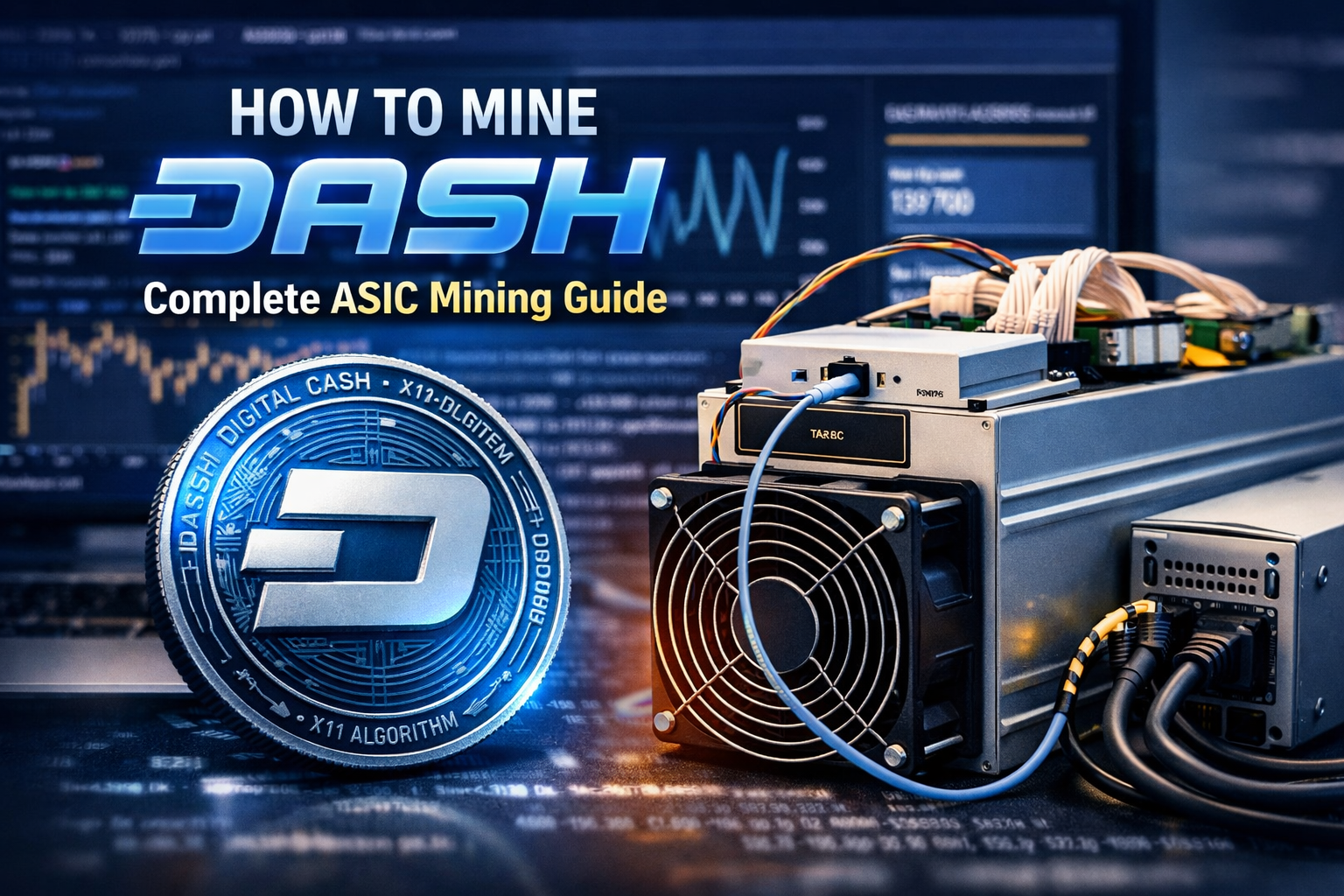
Mining Dash can be a profitable venture if you understand the right hardware, setup process, and mining pools to use.
In this post, you will learn exactly how to mine Dash using an ASIC miner, how it differs from Bitcoin mining, and how to configure everything step by step.
If you have already mined Bitcoin or Litecoin, you will find this process very familiar.
What Is Dash Mining?
Dash is mined primarily using ASIC machines. The setup process is very similar to mining Bitcoin or Litecoin.
However, Dash uses a different mining algorithm called X11, which means you cannot use a Bitcoin ASIC miner that runs on SHA 256.
For comparison:
- Bitcoin uses SHA 256
- Litecoin uses Scrypt
- Dash uses X11
Because of this difference, you must purchase a Dash compatible ASIC miner.
Step 1: Buy the Right ASIC Miner for Dash
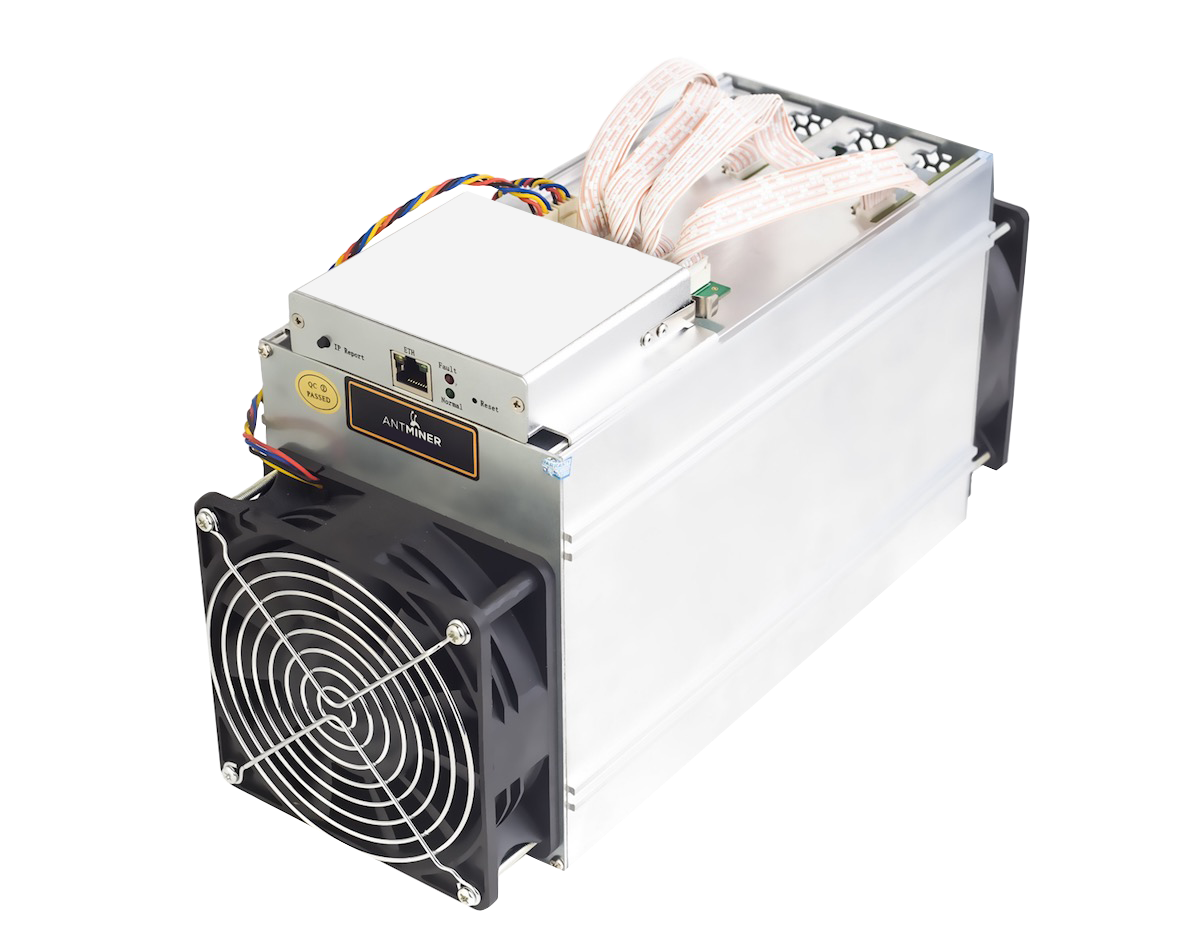
To mine Dash efficiently, you need:
- A Dash compatible ASIC miner
- A Power Supply Unit that supports the miner
- An Ethernet cable
- Access to your router
Many miners purchase hardware from Bitmain, which manufactures Antminer devices.
You may also find compatible machines on Amazon or other hardware suppliers.
Important: Make sure your PSU matches the power requirements of your ASIC machine.
Mining equipment draws significant electricity, and using the wrong PSU can damage your hardware.
Safety tip: Always inspect cables and connections before powering on your miner. You are dealing with high voltage equipment, so take precautions.
Step 2: Connect Your ASIC Miner
Once your equipment arrives:
- Connect all power cables from the PSU to the ASIC miner
- Plug the Ethernet cable from the ASIC into your router
- Plug the PSU into the wall outlet
When powered on, the machine will be loud.
These devices are not suitable for bedrooms or quiet office spaces.
Step 3: Find Your Miner’s IP Address
To configure your Dash miner:
- Log into your router
- Find the list of connected devices
- Locate the IP address assigned to your ASIC miner
If you do not know your router’s IP address, check the label on the back of your router or search your router model online for default login credentials.
Common defaults are:
- Username: admin
- Password: admin or password
Once you find your miner’s IP address, open a new browser tab and enter that IP.
Step 4: Log Into the ASIC Miner
Most ASIC machines ship with default credentials such as:
- Username: root
- Password: root
After logging in:
- Click on the Miner Configuration tab
- Navigate to the pool settings section
Step 5: Choose a Dash Mining Pool
Mining solo is extremely difficult, so most miners join a mining pool.
You can find pool options on the official Dash website or use established pools such as:
- CoinFoundry
Dash also supports P2P pools where users run their own nodes.
To operate a Dash node, you must hold a significant amount of Dash as collateral.
Peer to peer mining pools function similarly to torrent style networks, where users share processing power.
Step 6: Configure Your Mining Pool Settings
Inside your miner configuration page:
- Enter the pool URL
- Insert your wallet address in the Worker field
- Save settings
Your wallet address is your public key where mining rewards will be sent.
You can use:
- A hardware wallet
- A software wallet
- An exchange wallet
- Coinbase wallet address if supported in your region
After saving the configuration, your ASIC miner will begin hashing and mining Dash. All rewards will automatically be sent to the wallet address you entered.
Key Difference Between Dash and Bitcoin Mining
The biggest difference is the algorithm.
- Bitcoin uses SHA 256
- Dash uses X11
Because of this, you cannot use a Bitcoin ASIC miner for Dash mining. You must purchase a Dash specific ASIC device.
Is Dash Mining Worth It?
Before purchasing hardware, consider:
- Electricity cost in your area
- Hardware cost
- Mining difficulty
- Current Dash price
Profitability can change quickly. Hardware prices also fluctuate depending on market demand.
Final Thoughts
Mining Dash with an ASIC miner is straightforward once you understand the setup process. The hardware configuration is nearly identical to Bitcoin mining, but the algorithm difference requires specialized equipment.
If you are new to mining, review Bitcoin mining tutorials first to understand router configuration and pool setup basics.
Once configured correctly, Dash mining becomes a mostly automated process. Your machine hashes continuously, and rewards are deposited directly into your wallet.
Always prioritize safety, proper ventilation, and hardware compatibility before starting.
Now you are ready to mine Dash with confidence.


Leave A Comment