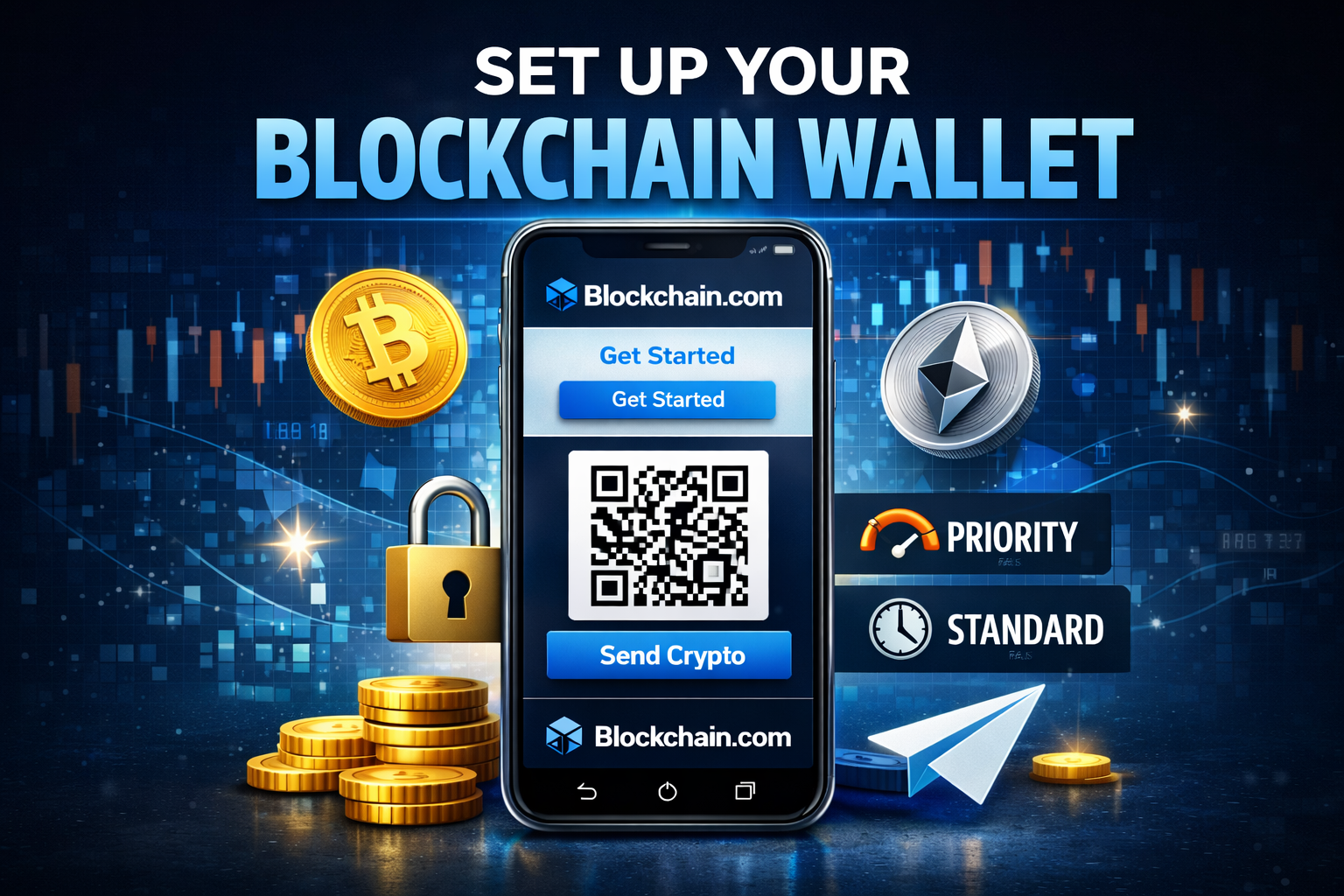
If you want a fast and simple way to store and send cryptocurrency, setting up a wallet on Blockchain.com is one of the easiest options available.
In this guide, you will learn how to create a Blockchain wallet in less than three minutes, how to receive crypto using a QR code, and how to send funds with different transaction speed options.
This tutorial is perfect for beginners who want a secure place to store coins without getting overwhelmed.
What Is a Blockchain Wallet?
A Blockchain wallet from Blockchain.com allows you to:
- Store cryptocurrency securely
- Send digital assets to others
- Receive funds using a public wallet address
- Manage multiple cryptocurrencies from one dashboard
If your goal is simply to hold coins and occasionally send them, the setup process is incredibly fast.
If you plan to actively trade between currencies inside your wallet, things can become slightly more advanced. But for basic storage and transfers, the process is straightforward.
How to Create a Blockchain Wallet

Follow these simple steps:
Step 1: Visit Blockchain.com
Go to Blockchain.com and click Get a Free Wallet in the top right corner of the homepage.
Step 2: Enter Your Email and Password
You will be redirected to a sign up page where you enter:
- Your email address
- A secure password
Once submitted, your wallet is created. That is it.
You now have access to a fully functional crypto wallet that can receive funds immediately.
The entire process takes less than three minutes.
How to Receive Cryptocurrency
Once inside your dashboard:
- Click the Request button
- A QR code will appear
- Your wallet address will be displayed
You can:
- Share the QR code
- Copy and paste the wallet address
- Send the address to someone transferring funds
This address is what others use to send you cryptocurrency.
Important reminder: Only share your public address. Never share your private keys.
How to Send Cryptocurrency
Sending crypto is just as simple.
- Click the Send button
- Choose the cryptocurrency from the dropdown menu
- Enter the recipient’s wallet address
- Enter the amount
Choosing Transaction Speed
You will also see transaction speed options:
- Standard
- Priority
Priority transactions cost slightly more in fees but are processed faster. Standard transactions cost less but may take longer depending on network congestion.
This flexibility allows you to balance cost versus speed.
Supported Currencies
Inside your wallet, you can manage multiple cryptocurrencies depending on what Blockchain.com supports at the time. You can select the currency you want to send from a dropdown menu inside the send interface.
This makes it convenient if you hold more than one digital asset.
Is Blockchain.com Good for Beginners?
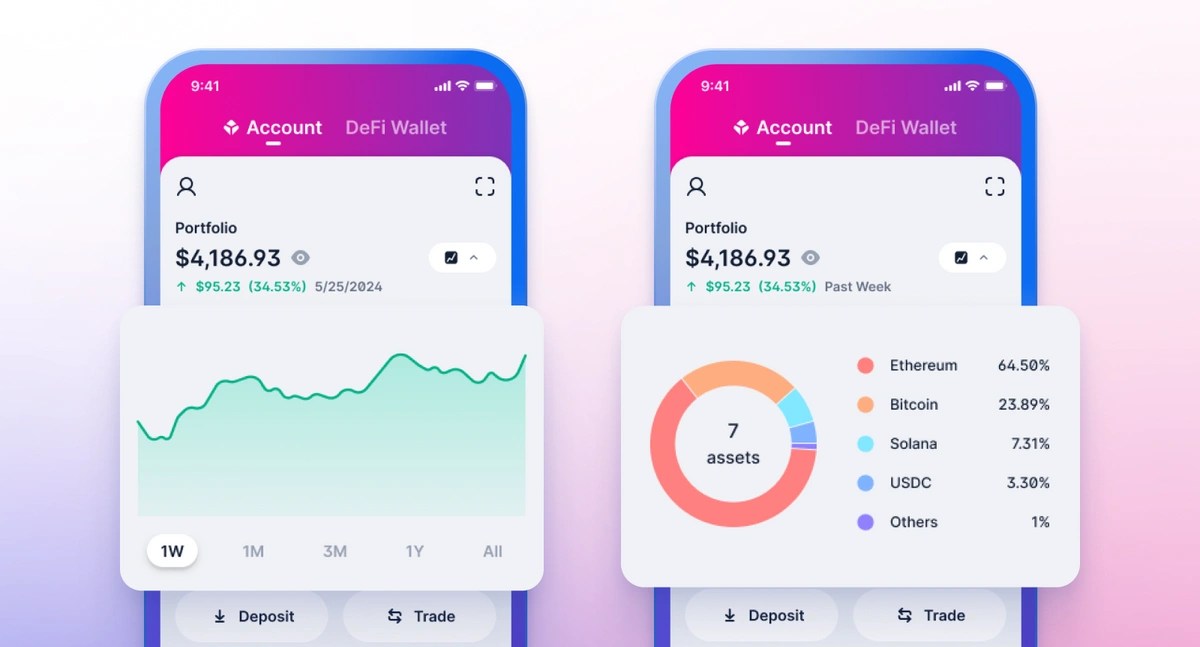
Yes, especially if you want:
- A quick wallet setup
- An easy interface
- QR code support
- Simple send and receive functionality
If you only need to store coins and send them occasionally, this wallet is more than sufficient.
If you plan to actively trade between currencies or use advanced features, you may need additional tools or exchanges.
Final Thoughts
Setting up a Blockchain wallet is one of the fastest ways to start storing cryptocurrency.
The process requires only an email and password. Within minutes, you can:
- Generate a wallet address
- Receive funds via QR code
- Send crypto with adjustable transaction speeds
For beginners entering the crypto space, this is a clean and efficient starting point.
If security and simplicity are your priorities, this wallet setup method checks both boxes.

Leave A Comment