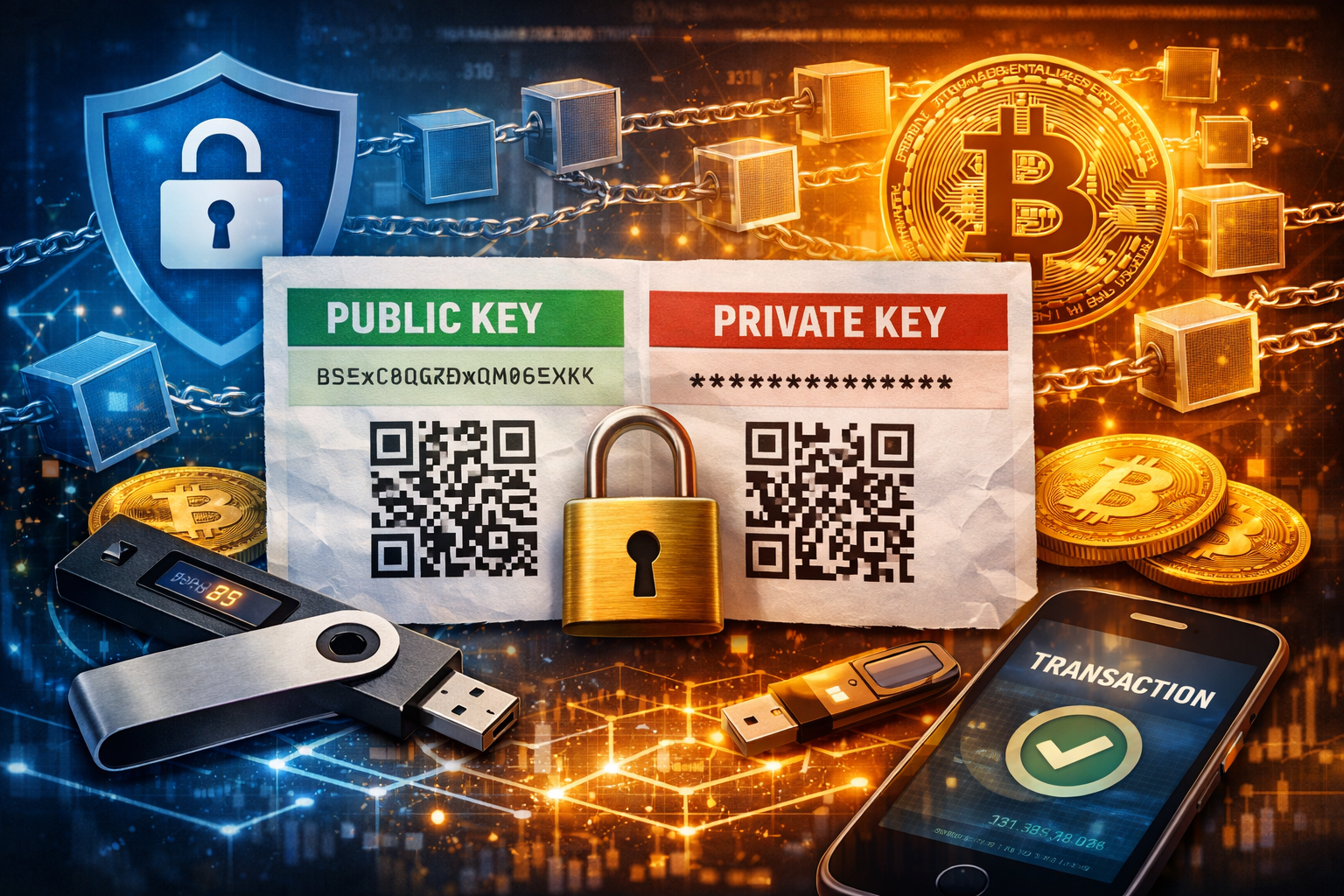
Now that you understand how SHA-256 hashing works and why cryptography is the backbone of crypto, it’s time to talk about something even more practical:
👉 Cryptocurrency wallets.
This is where theory meets real-world security.
If cryptography is the engine, wallets are the vault.
What Is a Cryptocurrency Wallet?

At its core, a cryptocurrency wallet is surprisingly simple.
A wallet is made up of two critical components:
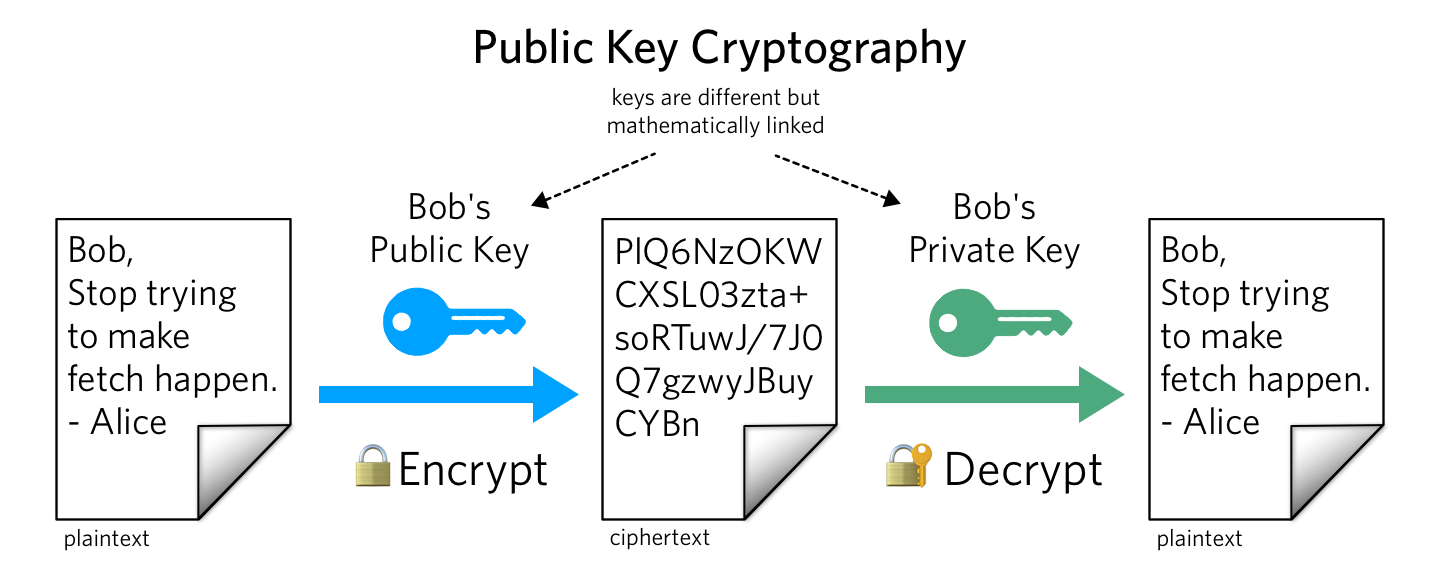
- Public Key (Address) – This is like your email address. Anyone can see it. Anyone can send funds to it.
- Private Key – This is like your password. You never share it. Ever.
Think of it this way:
- Public key = Receive money
- Private key = Access and control money
If someone knows your public key, they can send crypto to you.
If someone knows your private key, they can steal your crypto.
There is no bank.
No customer service.
No password reset.
Lose your private key, and your crypto is gone forever.
Public Key vs Private Key (Visual Breakdown)
On a typical wallet:
- The public key is often displayed in green or labeled “Share.”
- The private key is often displayed in red or labeled “Secret.”
- Both may include QR codes.
Anyone can scan your public QR code to send funds.
But if someone scans your private key QR code?
They own your crypto.
Not All Wallets Support All Cryptocurrencies
Here’s something that surprises beginners:
Unlike physical wallets (which hold any fiat currency), crypto wallets don’t always support every coin.
For example:
- Many wallets support Bitcoin because it has the largest market cap.
- Some wallets support Ripple.
- Others support only specific ERC-20 tokens.
Before choosing a wallet, always check:
- Which cryptocurrencies it supports
- Whether it supports cold or hot storage
- What security features it includes
Cold Storage vs Hot Storage
Security in crypto usually falls into two categories:
🔵 Cold Storage (Offline Wallets)
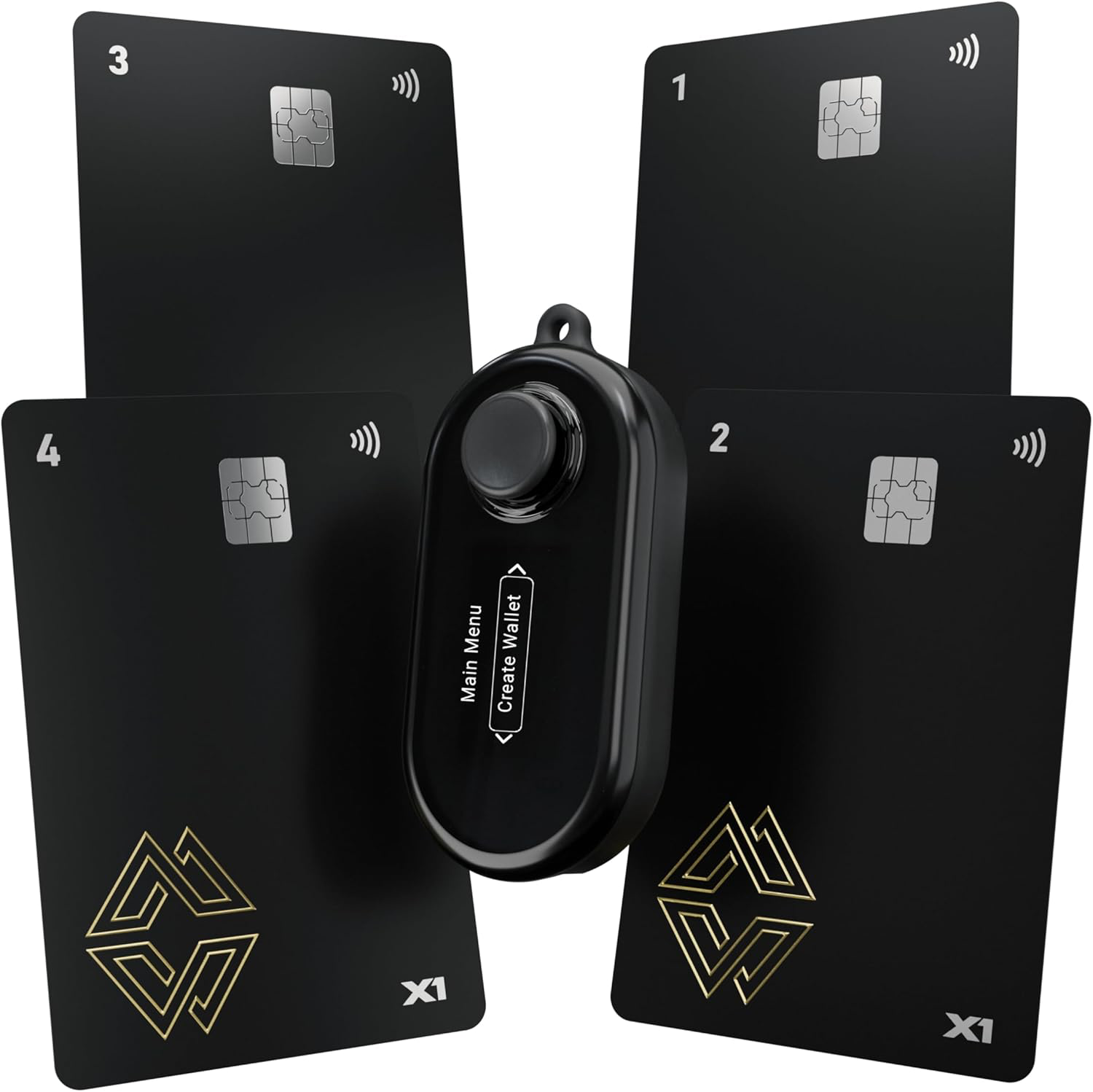
Cold storage means your private keys are stored offline.
Examples:
- Paper wallets
- Hardware wallets
- USB-based encrypted storage
Cold storage is more secure because it is not exposed to the internet.
If a hacker cannot access your device online, they cannot steal your keys.
🔥 Hot Storage (Online Wallets)
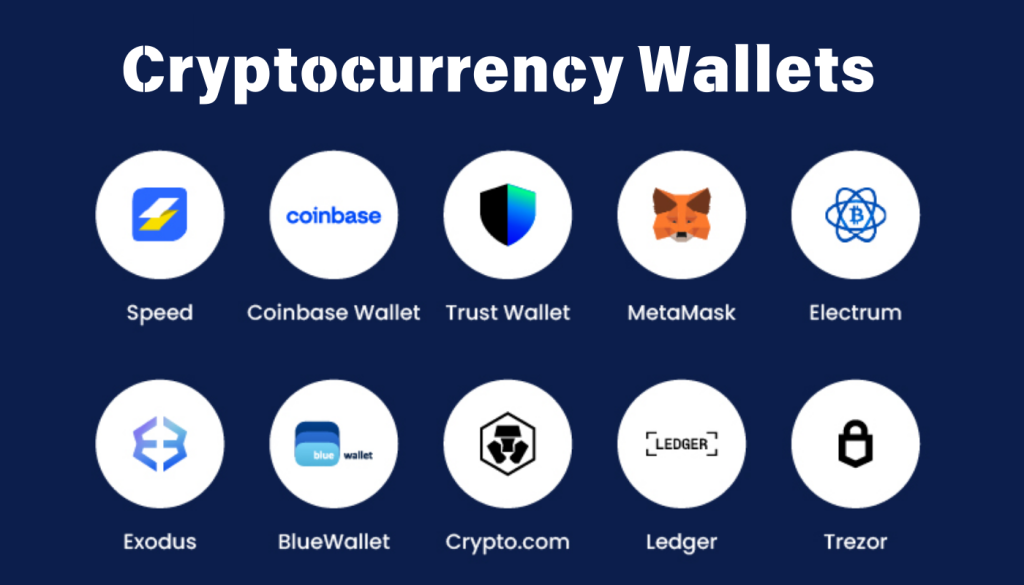
Hot wallets are connected to the internet.
Examples:
- Exchange wallets
- Web wallets
- Mobile apps
One popular example is Coinbase, which provides online wallet services.
Hot wallets are convenient.
Cold wallets are safer.
The serious crypto investor understands both.
How to Create a Paper Wallet (Cold Storage)
A paper wallet is exactly what it sounds like:
A printed piece of paper containing your public and private keys.
What You Need:
- A desktop or laptop
- A printer
- Internet access (initially)
- Ideally, the ability to go offline during key generation
Why Offline Matters
When generating a wallet:
- Keys should be created locally on your computer.
- Not on a server.
- Not stored in the cloud.
- Not screenshotted.
- Not saved to Google Drive.
Some wallet generators allow you to download the code from GitHub and run it locally in your browser using JavaScript.
This ensures:
- The key generation happens on your machine.
- You can disconnect from the internet while generating keys.
- There’s no server recording your private key.
Security is about layers.
Storing Your Private Key Securely
After generating your paper wallet:
DO:
- Print it.
- Fold it.
- Store it in a safe.
- Store backups in separate secure locations.
- Consider fireproof storage.
DO NOT:
- Take a photo of it.
- Store it in cloud storage.
- Save it on your main hard drive.
- Email it to yourself.
- Screenshot it.
Even your phone can be hacked.
Cloud backups can be compromised.
The only acceptable digital storage method is:
- Encrypted USB
- Stored offline
- Inside a physical safe
Advanced USB Storage Options
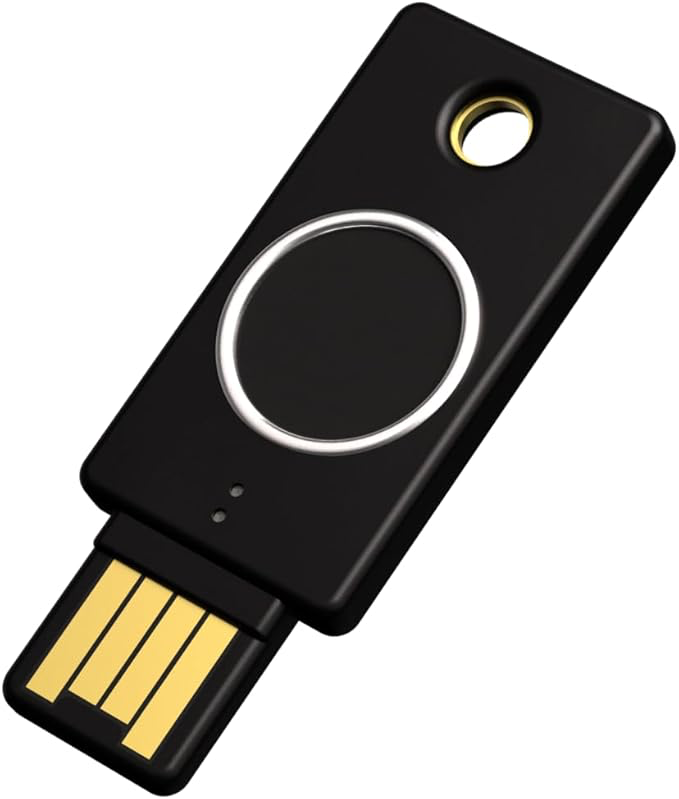
Some investors store private keys on:
- Standard USB drives
- Encrypted USB drives
- Biometric USB drives (fingerprint protected)
- Hardware-encrypted military-grade devices
These devices add additional layers of protection beyond simple file storage.
But remember:
Security is not about buying fancy gear.
It’s about understanding the risk model.
Two-Factor Authentication & Multi-Layer Security
Basic wallet security = 1 factor (private key).
Advanced setups include:
- Hardware wallet PIN codes
- Passphrases
- Two-factor authentication (2FA)
- Multi-signature wallets
We’ll explore advanced hardware wallets later in detail, including:
- Ledger Nano S
- Trezor Model T
These devices store private keys securely and sign transactions internally so the key never leaves the device.
How Blockchain Confirms Your Transaction
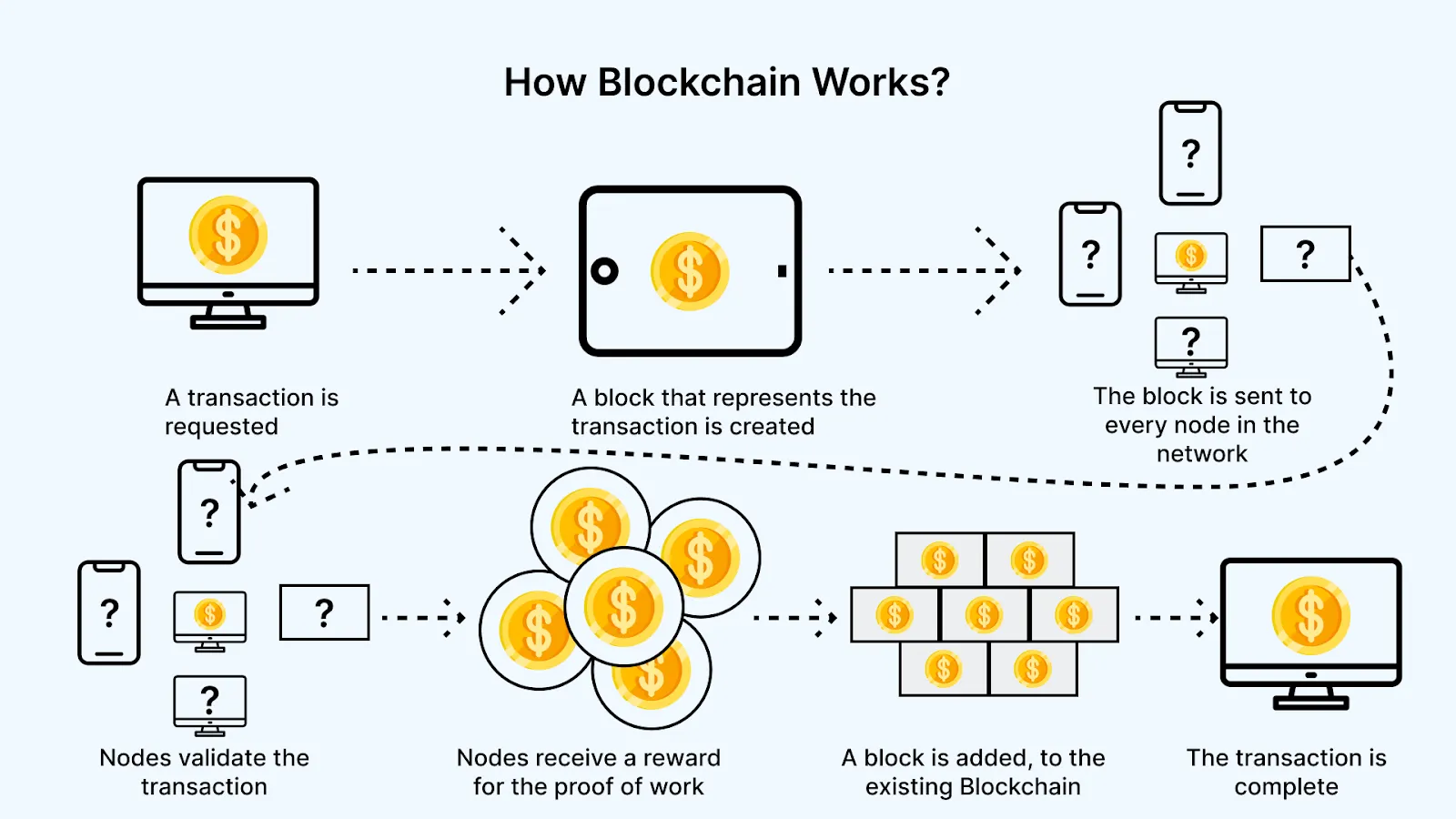
Let’s say you send $1 worth of Bitcoin from an online wallet like Coinbase to your paper wallet.
What happens?
The transaction is:
- Broadcast to the network
- Validated by miners
- Added to a block
- Appended to the blockchain
That transaction is now permanently recorded.
You can verify it publicly using blockchain explorers such as Blockchain.com.
This transparency is revolutionary.
Traditional banking is opaque.
Blockchain is visible.
Why Paper Wallets Still Matter
Paper wallets are:
- Offline
- Immune to online hacking
- Simple
- Powerful
However, they are not ideal for everyday use.
They are best for:
- Long-term storage
- Cold vault holdings
- Backup keys
Eventually, many investors transfer paper wallet funds into hardware wallets for convenience and mobility.
Final Security Rules Every Crypto Investor Must Follow
Before you invest a single dollar:
- Understand private keys.
- Understand SHA-256.
- Understand blockchain.
- Understand cold vs hot storage.
- Never rush into buying coins.
- Never rely on someone else’s opinion.
Crypto gives you financial sovereignty.
But sovereignty comes with responsibility.
There is no bank.
There is no reset button.
There is no fraud department.
Only you.
Leave A Comment