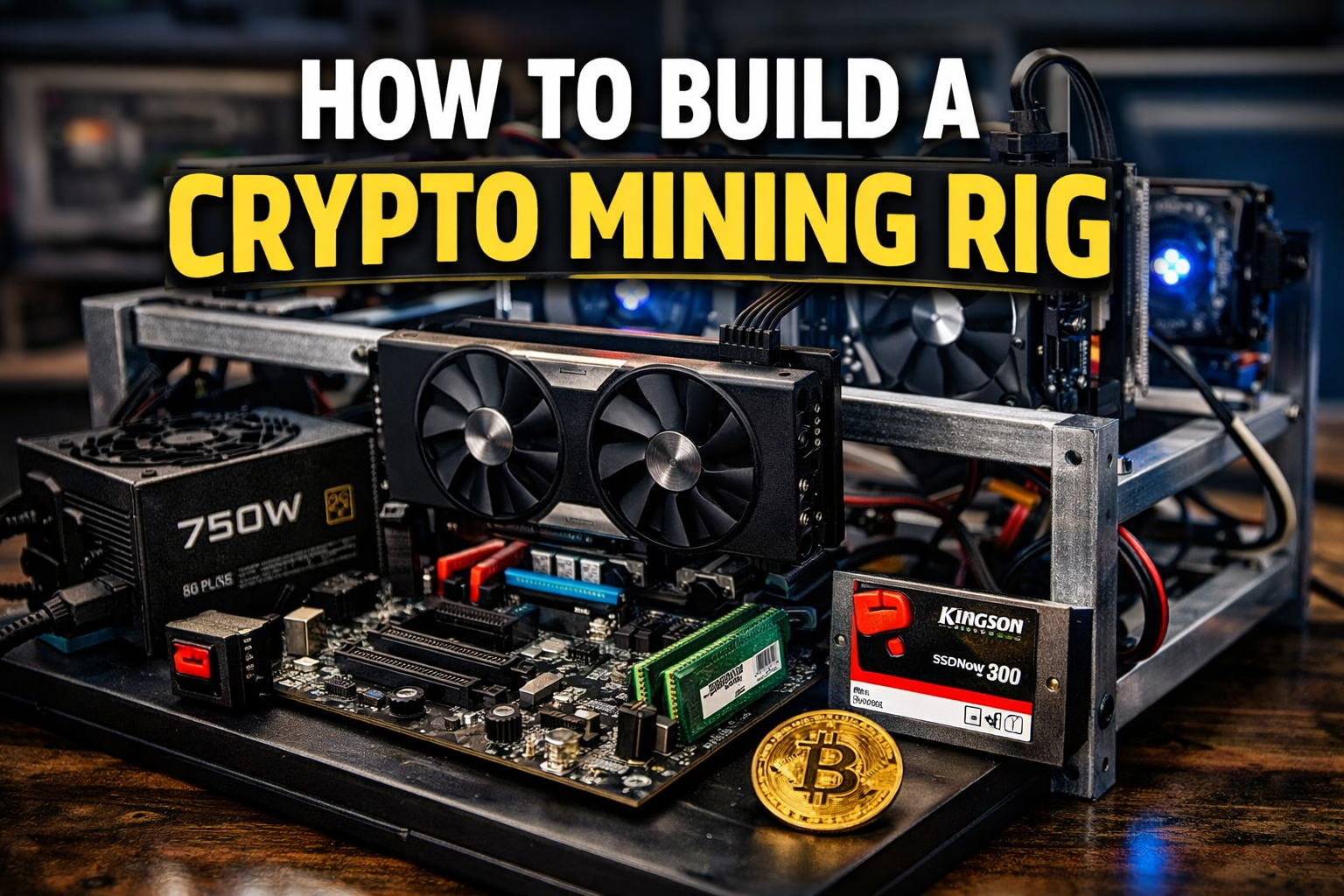
Building your own cryptocurrency mining rig is one of the most empowering ways to participate in crypto.
Instead of just buying coins, you’re creating infrastructure that helps secure blockchain networks and potentially earn rewards in the process.
In this guide, we’ll break down:
- The essential mining rig components
- Why each part matters
- How to choose budget-friendly hardware
- SSD vs HDD storage
- Power supply sizing
- Windows vs Linux
- Safety considerations
Let’s build your rig the smart way.
1️⃣ Choosing the Right Motherboard
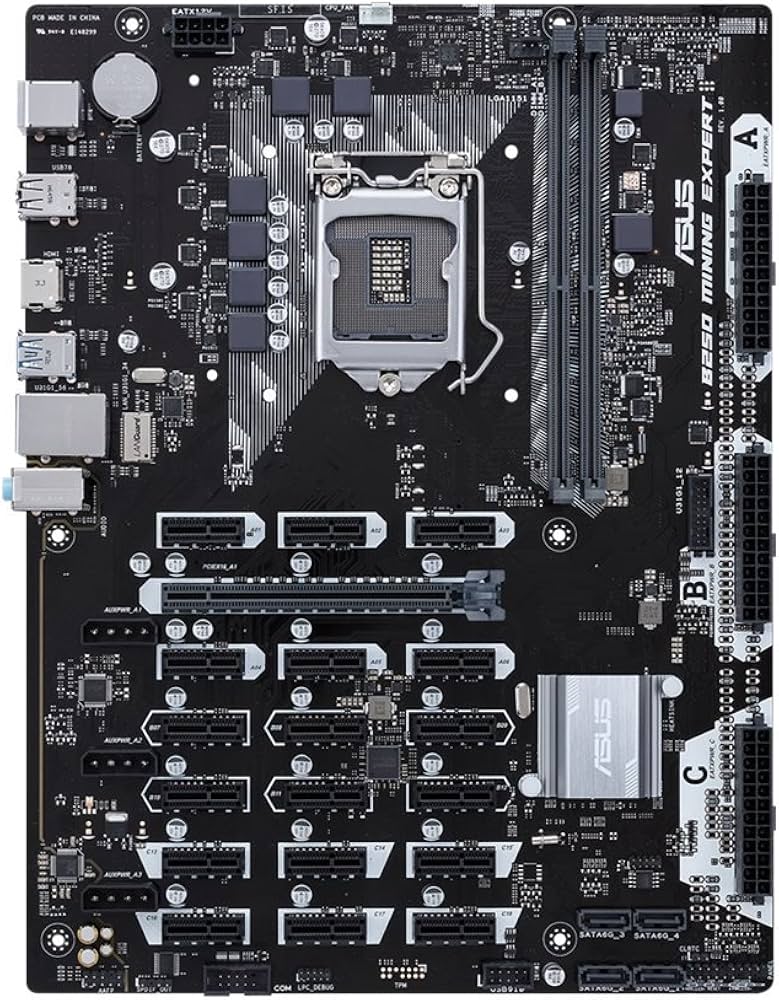
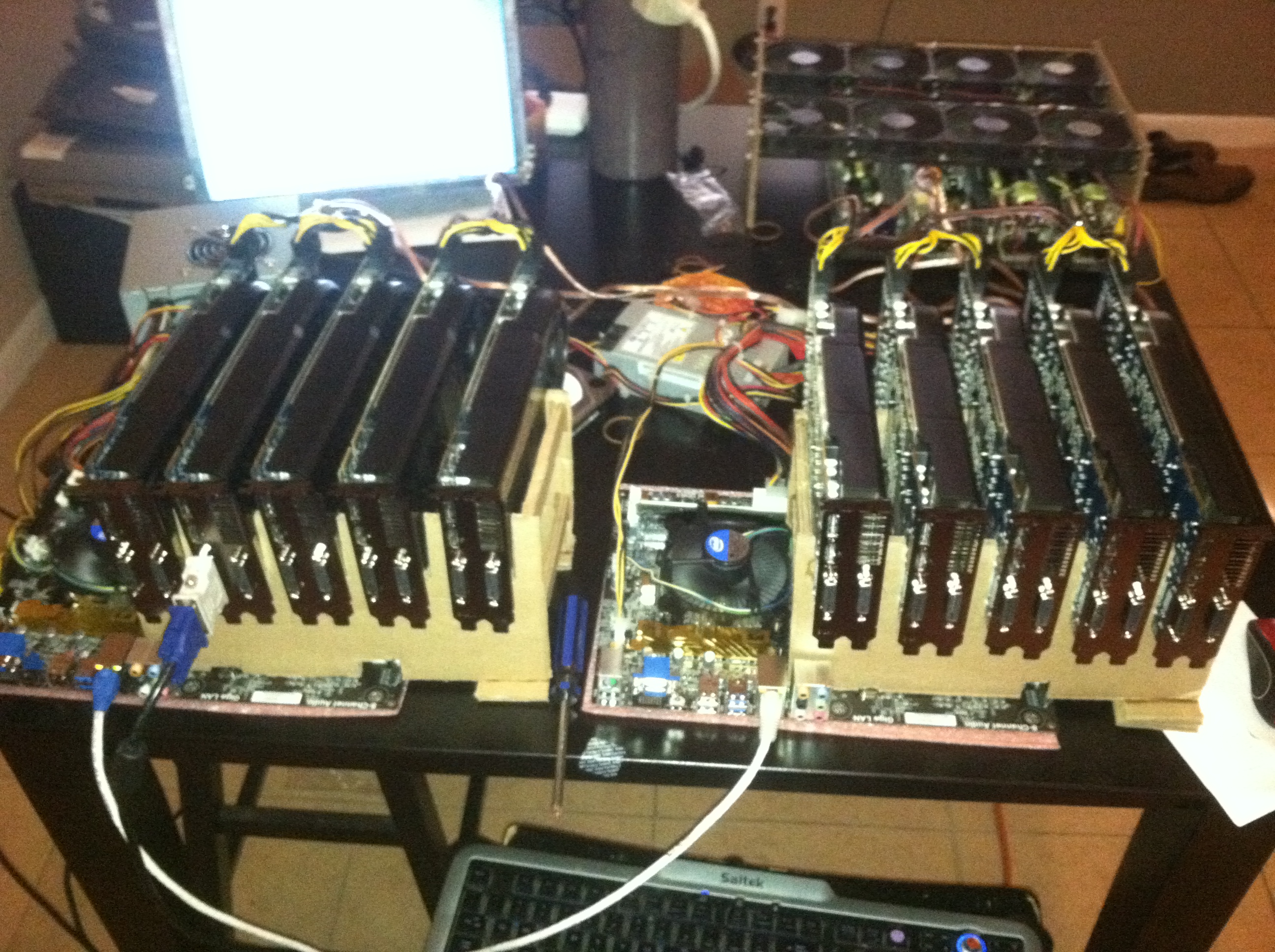

If your mining rig will use one CPU and one GPU, you don’t need a specialized mining motherboard with multiple PCIe slots.
However, if you plan to build a multi-GPU mining rig, you’ll want a motherboard designed specifically for mining.
For a single-GPU setup:
- Choose a budget motherboard compatible with your CPU.
- Ensure it supports your RAM type.
- Confirm it has at least one PCIe slot.
Tip: Use PCPartPicker to verify compatibility before purchasing.
2️⃣ RAM (Random Access Memory)

When mining, you’re typically running:
- Your operating system (Windows or Linux)
- Mining software
That’s it.
For a dedicated mining PC:
- 4GB RAM is more than enough
- Use a single 4GB stick to save money
- Upgrade only if you plan to multitask or game
RAM prices fluctuate often so shop carefully and compare brands like Patriot, Crucial, and Micron.
3️⃣ Storage: SSD vs HDD

There are two main storage types:
🔹 SSD (Solid State Drive)
- Faster
- No moving parts
- More durable
- Ideal for mining rigs
🔹 HDD (Hard Disk Drive)
- Larger capacity
- Slower
- Mechanical moving parts
Since mining doesn’t require much storage, a small SSD (120GB–250GB) is perfect. Brands like Kingston offer affordable, reliable options.
SSD prices have dropped dramatically over the years making them the clear winner.
4️⃣ Power Supply Unit (PSU): The Heart of Your Rig
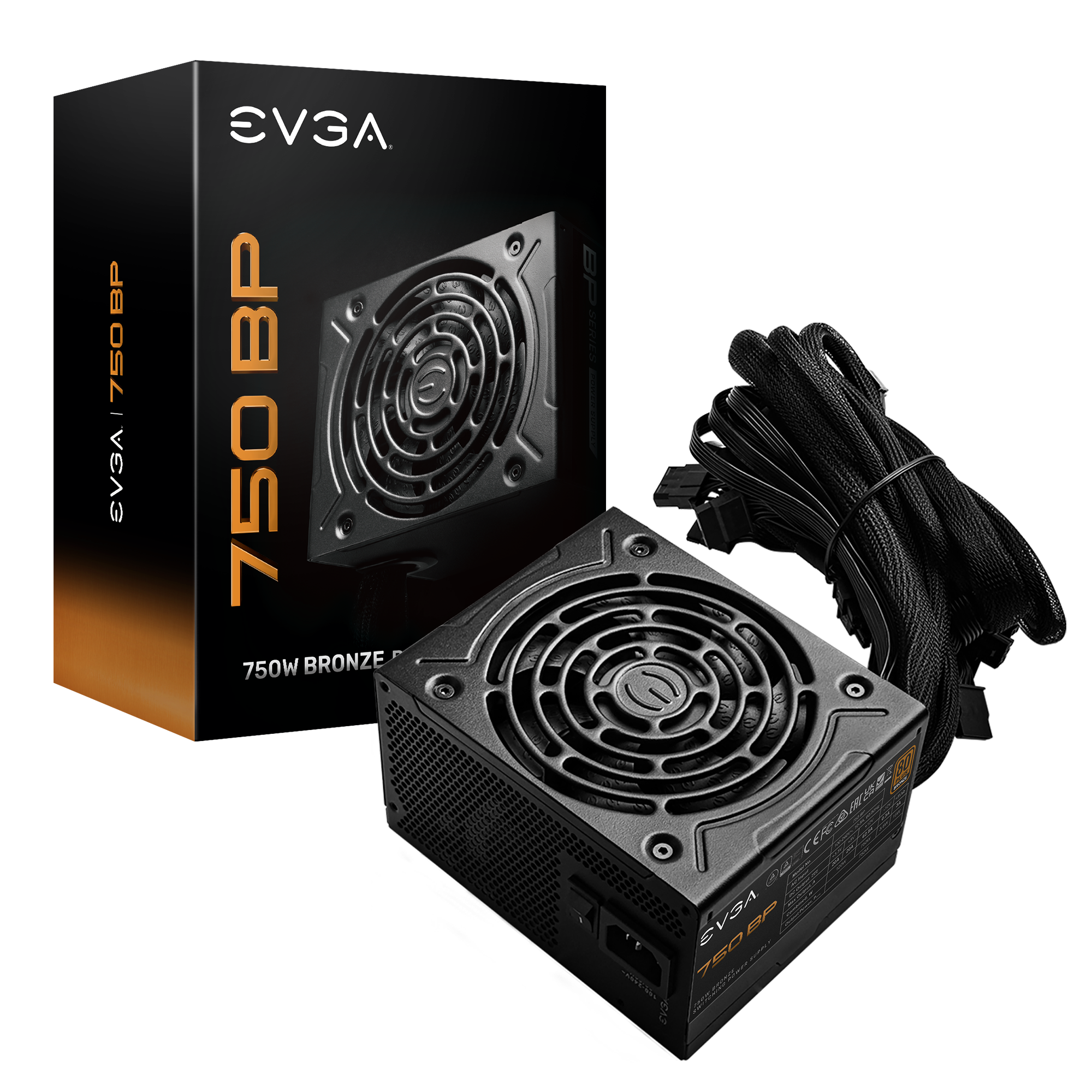
Your power supply is critical. Cheap power supplies can:
- Cause instability
- Damage components
- Create fire hazards
Wattage Guidelines:
- 1 GPU → 750W is usually sufficient
- Multiple GPUs → 1000W+ recommended
Choose reputable brands like EVGA with strong reviews and solid customer support.
Think of it like insurance don’t cut corners on power.
5️⃣ Mining Frame vs Computer Case
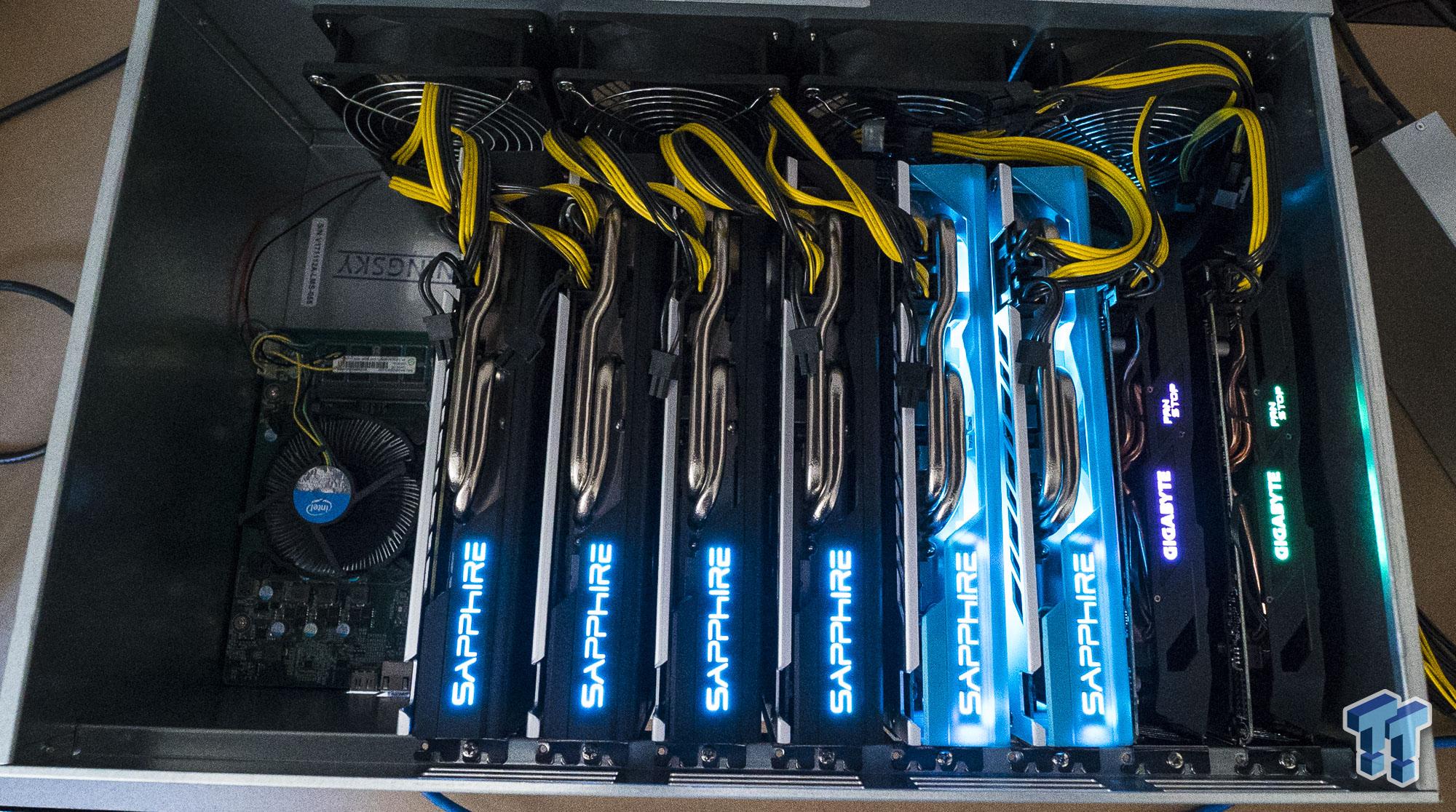
Instead of a traditional PC case, many miners use open-air mining frames.
Benefits:
- Better airflow
- Lower temperatures
- Easier GPU installation
Some people use DIY frames or milk crates. Unless you’re experienced with electrical grounding, stick with a proper mining frame for safety.
6️⃣ GPU Risers (Essential for Mining Rigs)

Risers allow you to:
- Space GPUs apart
- Improve airflow
- Prevent overheating
They’re especially important in multi-GPU rigs. Even with one GPU, risers can improve heat distribution.
7️⃣ Operating System: Windows or Linux?
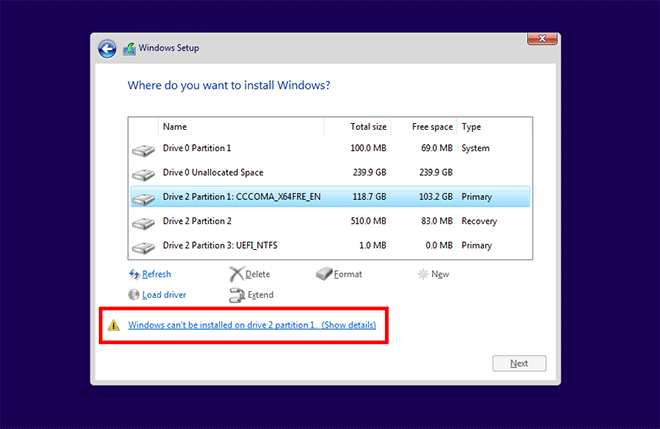
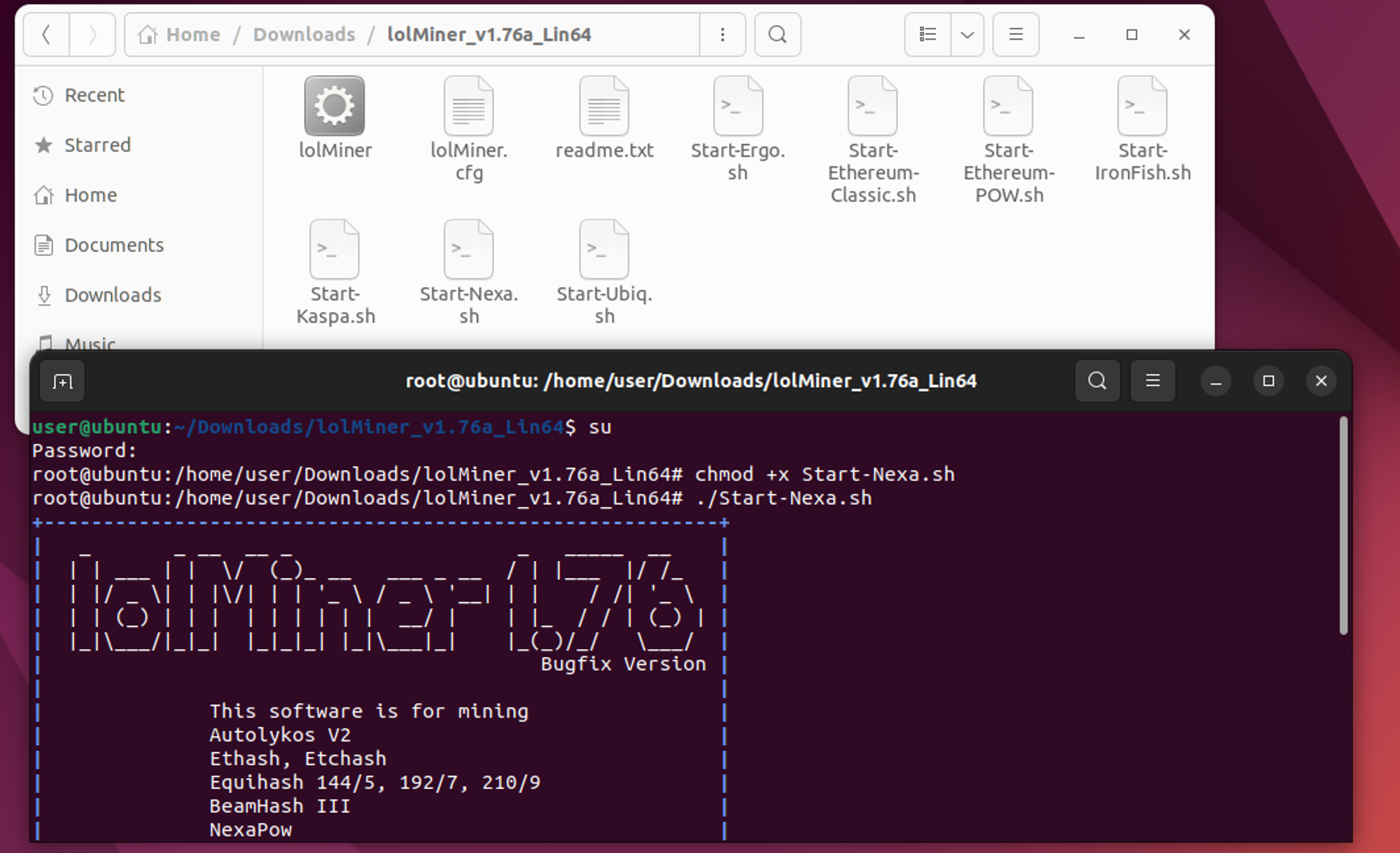
You need an operating system installed on your SSD.
Windows
- Easier for beginners
- Better compatibility with mining software
- Plug-and-play simplicity
Linux
- Free
- More customizable
- Preferred by advanced miners
If you’re new, start with Windows 10 via USB installer.
8️⃣ Additional Components You’ll Need
- Ethernet cable (stable internet is critical)
- Cheap keyboard and mouse
- HDMI cable (for initial setup)
- External power button switch
- Fire extinguisher (always prioritize safety)
Mining Rig Cost Considerations
Hardware prices fluctuate based on:
- Crypto price movements
- Supply and demand
- GPU shortages
- Market hype cycles
It can be frustrating when prices drop after you order but that’s the nature of hardware markets.
When crypto prices rise:
- More people mine
- Hardware demand increases
- Prices rise
When crypto prices fall:
- Hardware prices often drop
Mining economics are tied directly to market cycles.
Safety Tips When Building a Mining Rig
- Never cheap out on the power supply
- Ensure proper grounding
- Maintain airflow
- Keep equipment away from children
- Always monitor temperatures
- Have a fire extinguisher nearby
Mining rigs generate heat especially GPUs so ventilation is crucial.
Final Thoughts: Building Your Own Mining Rig
Building a crypto mining rig is:
- Educational
- Customizable
- Budget-flexible
- Empowering
You can:
- Start small (1 GPU)
- Expand later
- Adjust based on your mining strategy
It’s easier than it looks and once assembled, you’ll understand your hardware deeply.
Mining isn’t just about profit.
It’s about understanding infrastructure, supply, demand, and decentralized systems.
And assembling your own rig is the first step.



Leave A Comment