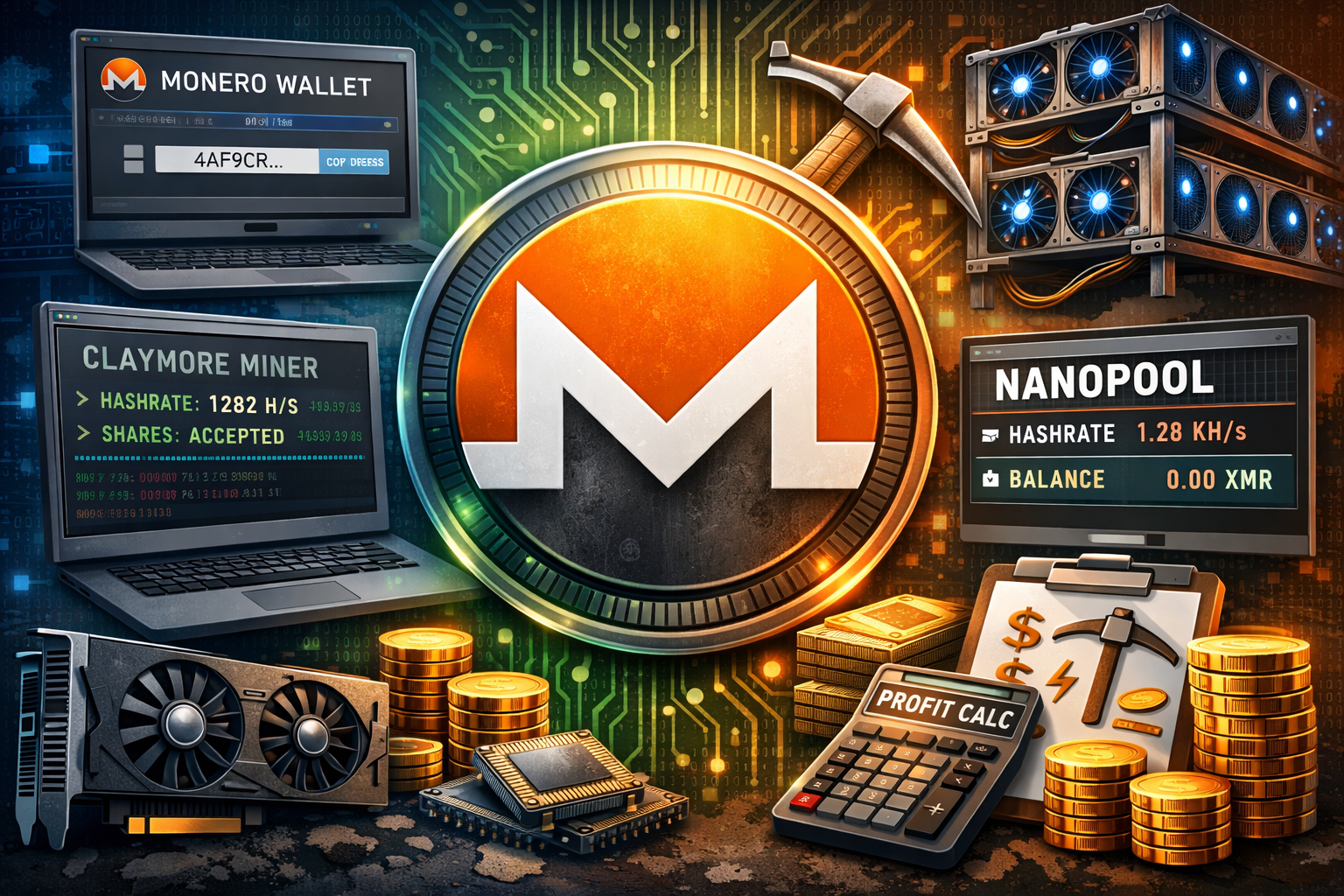
Mining Monero can be a great way to learn how privacy focused cryptocurrencies work while earning small amounts of XMR.
Unlike Bitcoin or Ethereum, Monero requires a dedicated wallet setup and slightly different mining configuration.
In this post, you will learn:
- How to download and configure a Monero wallet
- How to set up GPU mining with Claymore
- How to connect to Nanopool
- How to monitor hash rate and shares
- How to calculate Monero mining profitability
If you have already mined Ethereum before, this process will feel familiar.
Once you mine a few coins, setting up additional cryptocurrencies becomes much easier.
Step 1: Download and Set Up a Monero Wallet
Before mining any cryptocurrency, you must have a wallet to receive your mining rewards.
Because Monero is not as widely supported as Bitcoin or Ethereum, you will need to download the official wallet from:
GetMonero
Download the version that matches your operating system.
For example, if you are running Windows 64 bit, download the Windows 64 bit GUI wallet.
Installation Process
- Download the wallet
- Extract the files to a new folder such as XMR Miner
- Open the Monero Wallet GUI
- Select your language
- Create a new wallet
- Start the daemon
- Click Receive
- Copy your public address
Your public address is what Nanopool will use to send your mining rewards. Keep this copied for later use.
Step 2: Join Nanopool for Monero Mining
To mine Monero efficiently, you will connect to a mining pool.
We will use:
Nanopool
Mining pools combine computational power from many miners and distribute rewards proportionally.
Selecting Your Mining Software
Inside Nanopool:
- Navigate to Monero
- Click Help
- Choose your hardware type
- AMD GPU
- NVIDIA GPU
- CPU
If you have mined Ethereum before, this configuration will look very similar.
For AMD users, download Claymore miner.
Generate your configuration file by entering:
- Your Monero public address
- Your worker name
- Your email address
- Your region
The email is important because Nanopool will notify you if your miner goes offline.
Step 3: Configure the Mining Software
After downloading Claymore:
- Extract the files into your Monero Miner folder
- Copy the generated start.bat file into the same directory
- Open the file to confirm:
- Pool address
- Wallet address
- Worker name
Windows Defender or antivirus software may show a warning. This is common with mining software. Click More Info and select Run Anyway if you trust the source.
Step 4: Start Mining Monero
Double click the start.bat file.
You should see:
- GPU detection
- Hash rate statistics
- Share acceptance messages
If your GPU fan ramps up, that means it is working.
For example, you may see:
- 630 hashes per second initially
- Accepted shares increasing
- Zero balance at first
This is normal.
Step 5: Track Mining Progress on Nanopool
To monitor performance:
- Copy your public wallet address
- Paste it into the Nanopool dashboard
- Click Search
At first, it may show Account Not Found. That is normal. You must mine at least one share before it appears.
After a few minutes, your dashboard will display:
- Current hash rate
- 2 hour moving average
- 6 hour moving average
- Accepted shares
- Rejected shares
- Balance
If your worker goes offline, Nanopool will email you automatically.
Step 6: Understanding Hash Rate and Shares
Hash rate measures how fast your hardware performs cryptographic calculations.
For example:
- 1000 to 1500 hashes per second for mid range GPUs
- Higher hash rate means more shares
- More shares increase your reward probability
Shares are proof that your GPU contributed work to the pool.
Rejected shares should remain very low.
Step 7: Increasing Performance with Additional GPUs
If you want to add more graphics cards:
- Increase your virtual memory in Windows
- Install risers
- Adjust system settings
To change virtual memory:
- Right click This PC
- Go to Advanced System Settings
- Performance Settings
- Advanced tab
- Virtual Memory
Increasing virtual memory helps stabilize multi GPU setups.
Step 8: Calculate Monero Mining Profitability
Before scaling up, calculate profitability.
Use:
CoinWarz
Enter:
- Hash rate
- Power consumption in watts
- Electricity cost
- Pool fee
- Hardware cost
For example:
- 1282 hashes per second
- 295 watts
- 0.10 dollars per kWh
- 1 percent pool fee
You may find that annual profits are quite low, sometimes only a few dollars per year depending on market price and electricity costs.
Mining profitability depends heavily on:
- Electricity price
- Hardware efficiency
- Monero price
- Network difficulty
In many cases, it may be more profitable to mine Ethereum or purchase Monero directly rather than mine it.
Is Monero Mining Worth It?
Monero mining is:
- Easier to start than Ethereum
- CPU friendly
- Educational
- Less competitive than Bitcoin
However, it may not be highly profitable unless:
- Electricity is cheap
- You already own the hardware
- You believe in long term XMR appreciation
Mining can also be a valuable learning experience if you are building technical skills in cryptocurrency infrastructure.
Final Thoughts
Mining Monero is straightforward once you understand wallet setup, pool configuration, and GPU optimization.
The process follows a clear structure:
- Create wallet
- Join pool
- Configure miner
- Monitor performance
- Calculate profitability
Even if profitability is modest, the knowledge gained from setting up and running your own mining operation is extremely valuable.
If mining returns are low, you can always redirect your GPU to another cryptocurrency such as Ethereum while keeping your Monero wallet ready for future opportunities.




Leave A Comment