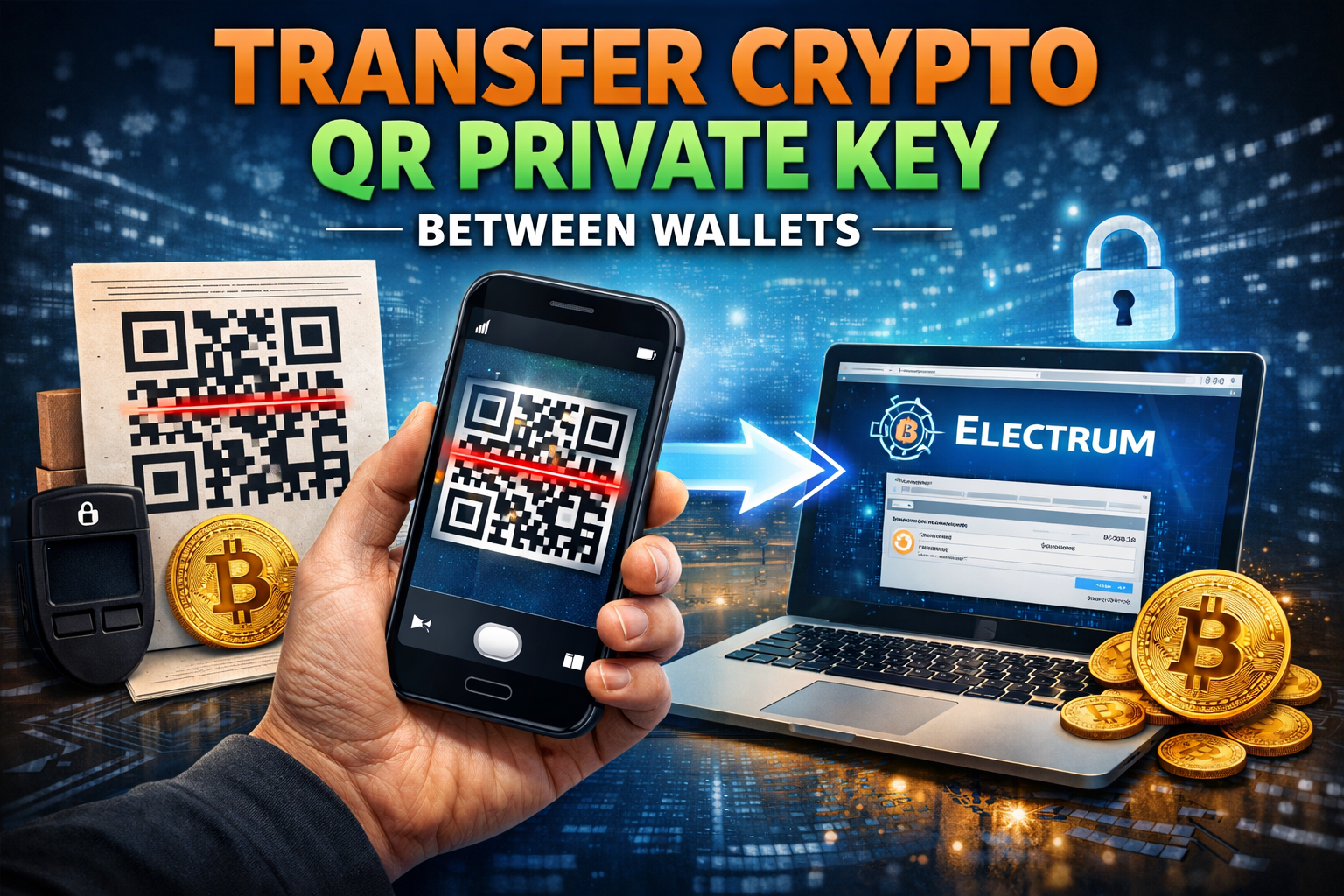
Moving a crypto QR private key from one wallet to another is easier than most people think. However, it must be done correctly and securely.
In this guide, you will learn how to transfer a private key from one wallet you own to another wallet you own using a QR code. We will also cover critical security warnings so you do not lose your cryptocurrency.
If you are building Cryptopulence as a serious crypto education platform, mastering wallet transfers like this is foundational knowledge.
What Does It Mean to Move a Private Key?
When you move a private key, you are not just transferring funds. You are transferring control of the entire wallet.
The private key is the master key to your cryptocurrency. Anyone who sees or knows your private key can access and move your funds.
That is why you should:
- Never share your private key
- Never show the QR code version of your private key
- Never store it online in plain text
- Never expose it on a compromised device
In this example, we will move a private key from a QR code wallet on a mobile phone into a software wallet called Electrum.
Before You Start: Critical Safety Rules
1. Only Transfer Between the Same Cryptocurrency Type
This is extremely important.
If you transfer Ethereum into a Bitcoin wallet, you could permanently lose your funds.
Always confirm:
- Bitcoin to Bitcoin wallet
- Ethereum to Ethereum wallet
- Litecoin to Litecoin wallet
Double check the wallet type before importing any private key.
2. Only Do This With Wallets You Own
Importing a private key means taking control of that wallet. Only do this with wallets that belong to you.
Example: Moving a Bitcoin QR Private Key to Electrum
Let us walk through a real example.
We will transfer a Bitcoin private key from:
- A QR code paper wallet or mobile wallet
To - The Electrum software wallet
Step 1: Download and Install Electrum
Download and install Electrum on your computer.
Open the wallet and choose:
Import Bitcoin addresses or private keys
Click Next.
Step 2: Scan the QR Code Private Key
You now need access to the private key from the original wallet.
You can either:
- Manually type the alphanumeric private key
- Or scan the QR code using:
- A smartphone QR scanner
- A webcam on your computer
- A QR code web scanner tool
Using a QR code scanner makes the process faster and reduces typing errors.
Scan the private key QR code from your mobile phone or paper wallet.
Important reminder: Never show this QR code publicly. Only do this in a secure environment.
Step 3: Import the Private Key
After scanning:
- Click Next
- Set a strong password for your new Electrum wallet
- Confirm the wallet creation
Do not use a weak password. This password encrypts your wallet on your computer.
Once completed, reopen the wallet if prompted.
In some cases, you may need to paste the private key again into the wallet’s private key input field.
Step 4: Access Your Funds
After successful import, your funds become accessible through Electrum.
Sometimes it may take a short period for the wallet to sync and display the balance.
Once synced, you now control the funds through the new software wallet.
Types of Wallets You Can Transfer Between
You can move private keys between many wallet types, including:
- Paper wallets
- Hardware wallets like Trezor Model One
- Software wallets like Electrum
- Internet wallets like Coinbase
The process always follows the same principle:
Private key equals full control.
Extra Security Tips
Because you are focused on building real crypto competence through Cryptopulence, treat wallet security like operational security.
Here are advanced best practices:
- Cover your webcam when not in use
- Disconnect from public WiFi when importing keys
- Consider using an offline computer for sensitive transfers
- Destroy old paper wallets once imported
- Never screenshot private keys
Remember, once a private key is exposed online, assume it is compromised.
Common Mistakes to Avoid
- Importing the wrong cryptocurrency type
- Using weak passwords
- Exposing private keys on infected computers
- Leaving QR codes visible on screen
- Forgetting to confirm the wallet network
Crypto has no customer support hotline for lost private keys. Responsibility is absolute.
Final Thoughts
Moving a crypto QR private key from one wallet to another is technically simple. The real challenge is security discipline.
When you import a private key:
You are transferring full ownership.
Do it carefully.
Do it privately.
Do it only between matching wallet types.
Master this process and you move one step closer to true self custody and financial sovereignty.



Leave A Comment