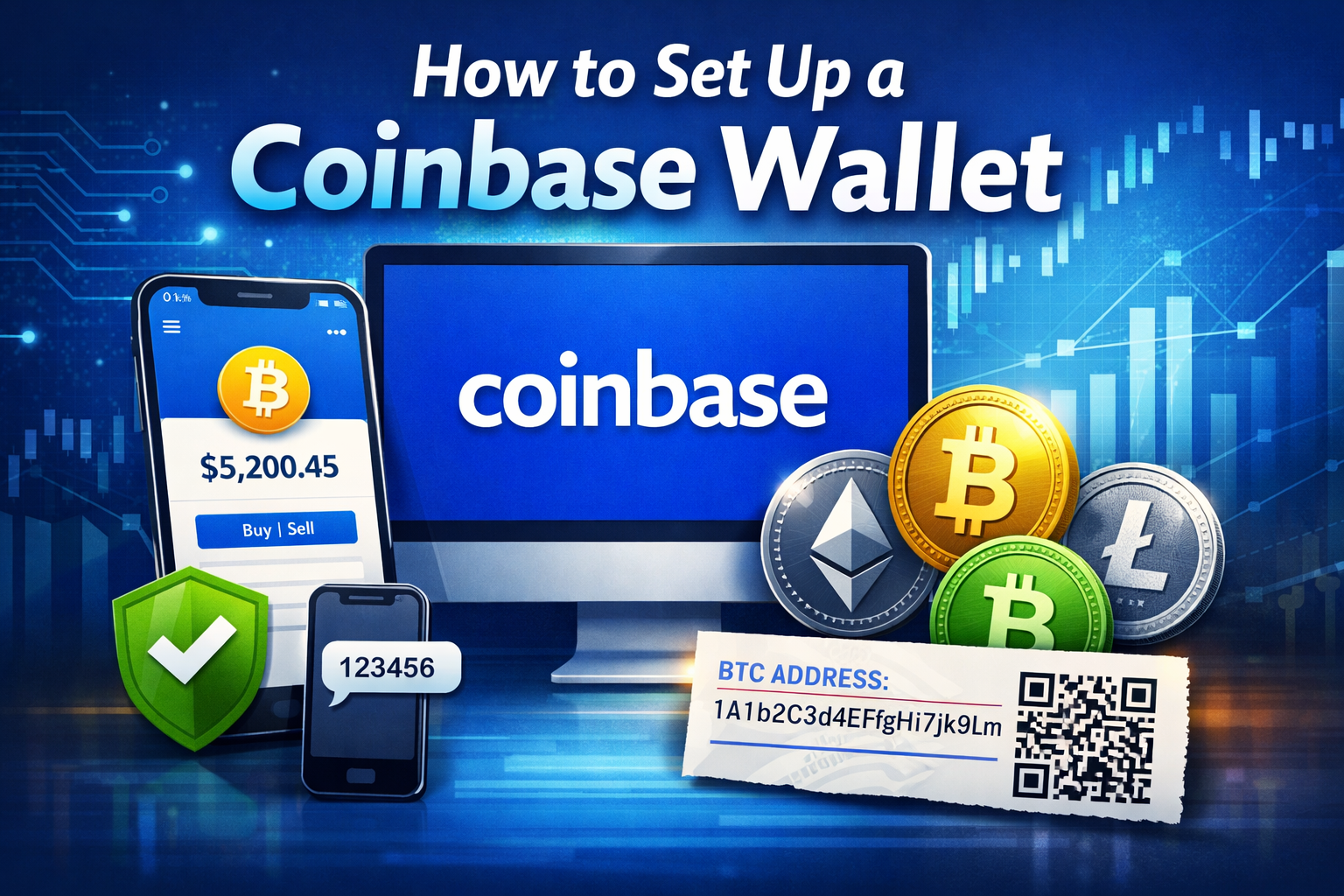
If you are looking for a simple way to store, buy, and receive cryptocurrency, Coinbase.com offers a free online wallet that is beginner friendly and widely used.
In this guide, you will learn exactly how to create a Coinbase wallet, verify your account, and receive crypto such as Bitcoin, Ethereum, Bitcoin Cash, and Litecoin.
This step by step walkthrough is ideal for beginners who want a secure and easy entry point into crypto.
What Is Coinbase?

Coinbase is one of the most popular cryptocurrency exchanges in the world. It provides:
- Free online crypto wallets
- The ability to buy and sell cryptocurrencies
- A user friendly dashboard
- Built in security features
- Mobile and desktop access
Coinbase makes money through transaction fees when users buy, sell, or trade cryptocurrencies.
Step 1: Sign Up for a Coinbase Account
To create your Coinbase wallet:
- Go to Coinbase.com
- Click Sign Up in the top right corner
- Enter your:
- Full name
- Email address
- Strong password
Password Tip
Coinbase requires a strong password rating. If your password is too weak, you will need to create a stronger one before continuing.
Once you complete this step, Coinbase will ask you to verify your email.
Step 2: Confirm Your Email Address
After signing up:
- Check your email inbox
- Open the verification email from Coinbase
- Click the confirmation link
Once clicked, you will be redirected back to Coinbase and prompted to log in again with your email and password.
Step 3: Enable Phone Verification for Security
Coinbase adds an extra layer of protection through SMS verification.
You will be asked to:
- Enter your mobile phone number
- Receive a text message with a confirmation code
- Enter the code into the verification field
- Click Verify
Important: Use a mobile number that can receive text messages. Do not use a landline.
This step improves your account security significantly.
Step 4: Complete Identity Verification
Coinbase may request personal information for identity verification. This is required for:
- Buying crypto with fiat currency
- Increasing account limits
- Complying with regulations
If the information cannot be verified, buying and selling features may be limited.
Coinbase Wallet Dashboard Overview
Once logged in, you will see your dashboard. It displays:
- Supported cryptocurrencies
- Current market prices
- Portfolio balance
- Buy and sell options
At the time of this walkthrough, supported coins include:
- Bitcoin
- Ethereum
- Bitcoin Cash
- Litecoin
Coin support may expand over time.
How to Receive Bitcoin or Other Crypto on Coinbase
If you simply need to receive funds such as Bitcoin, no additional setup is required.
Here is how to receive crypto:
- Click Receive
- Click Show Address
- Copy the wallet address provided
- Or scan the QR code
You can send this wallet address to anyone who wants to send you cryptocurrency.
Always double check the address before sharing it.
Can You Buy and Sell Crypto on Coinbase?
Yes. Once your account is verified and funded, you can:
- Buy cryptocurrency with fiat currency
- Sell cryptocurrency
- Transfer funds
- Track your portfolio
Keep in mind that Coinbase charges transaction fees for these services.
Is Coinbase Safe?
Coinbase includes several security features:
- Email verification
- SMS two factor authentication
- Encrypted storage
- Regulatory compliance
For beginners, it is considered one of the most secure and accessible entry points into cryptocurrency.
However, for large long term holdings, many investors prefer combining online wallets with hardware wallets for additional security.
Final Thoughts
Setting up a Coinbase wallet is straightforward:
- Create an account
- Verify your email
- Confirm your phone number
- Complete identity verification
- Start receiving or buying crypto
If you are new to cryptocurrency and want a simple way to get started with Bitcoin, Ethereum, Litecoin, or Bitcoin Cash, Coinbase offers a beginner friendly solution with strong security features.
Make sure to use a strong password and enable all available security settings to protect your digital assets.



Leave A Comment