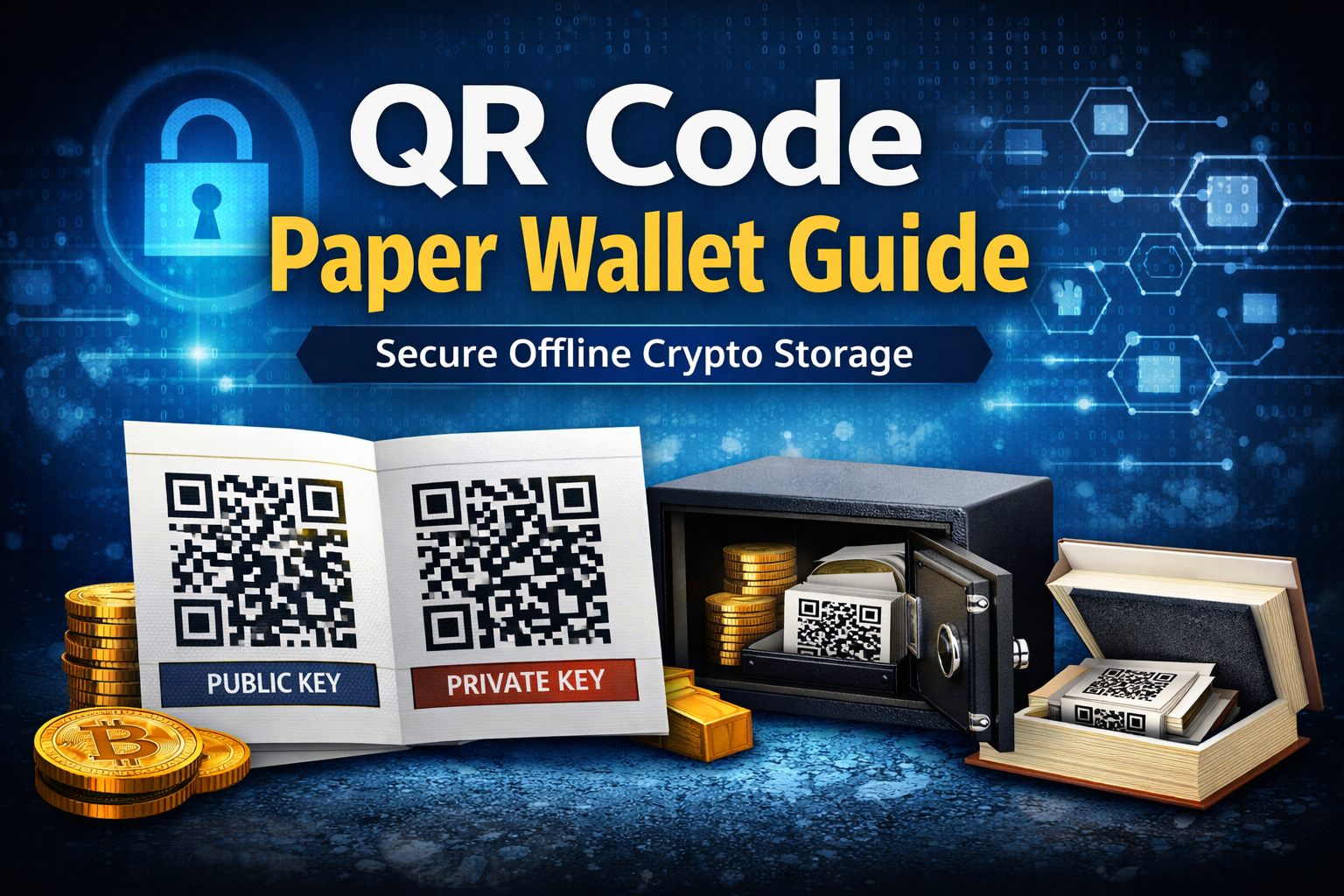
If you want to take full control of your cryptocurrency security, a QR code paper wallet is one of the most offline and hacker resistant storage methods available.
In this guide, you will learn:
- What a QR code wallet is
- Why it exists
- How it works
- The pros and cons
- Best security practices when creating one
Let’s break it down step by step.
What Is a QR Code Paper Wallet?
A QR code paper wallet is a physical document that contains:
- A public key
- A private key
- QR codes representing both keys
A QR code is simply a visual representation of a string of characters. Instead of typing long wallet addresses manually, you can scan the QR code using your smartphone or computer camera.
Public Key vs Private Key
Think of it like email:
- Public key = your email address
- Private key = your email password
You can safely share your public key to receive cryptocurrency.
You must never share your private key with anyone. If someone has your private key, they control your funds.
A QR code wallet allows you to:
- Scan the public QR code to send and receive crypto
- Scan the private QR code to access and control the funds
Why Do QR Code Paper Wallets Exist?
QR code wallets were created for one main reason:
Offline Security
When you generate a paper wallet properly, your private key is never stored online.
That means:
- No exchange holds it
- No software wallet stores it
- No cloud server contains it
- No hacker can remotely access it
It is completely immune to:
- Malware
- Keyloggers
- Exchange hacks
- Online database breaches
The wallet exists only on paper.
For long term storage, this is extremely powerful.
How QR Code Paper Wallets Are Created
Paper wallets can be generated using wallet creation tools such as:
- WalletGenerator.net
- BitcoinPaperWallet
- Other offline HTML wallet generators
You can generate wallets for:
- Bitcoin
- Ethereum
- Litecoin
- And many other cryptocurrencies
The Secure Way to Create One
For maximum safety:
- Download the wallet generator HTML file first
- Disconnect from the internet
- Run the file locally in your browser
- Generate your wallet offline
- Print it using an offline printer
- Delete the HTML file and any saved key images
This ensures your keys never touch the internet.
Some users also store private key backups on a USB drive and keep it offline.
Essential Security Precautions
Creating the wallet securely is critical.
1. Make Sure No One Is Watching
When generating a wallet:
- Do not allow anyone in the room
- Ensure no security cameras can see your screen
- Be mindful of laptop webcams
Camera lens covers are inexpensive and highly recommended.
If your camera is active and your wallet appears on screen, someone could theoretically capture your QR code.
2. Use an Offline Printer
If your printer is connected to WiFi, disconnect it before printing.
An online printer can store documents in memory or send print logs over the network.
Offline printing reduces risk significantly.
3. Store It Securely
Since this wallet exists physically, you must protect it from:
- Theft
- Fire
- Water damage
- Loss
Popular storage methods include:
- A home safe
- Hidden wall compartments
- Hollowed out books
- Concealed containers
- Safety deposit boxes
If you lose your private key, your crypto is gone forever.
Pros of QR Code Paper Wallets
1. Completely Offline Storage
No digital footprint. No exchange risk.
2. Immune to Online Hacks
Hackers cannot steal what is not connected to the internet.
3. Universal Compatibility
Any smartphone can scan a QR code.
4. True Self Custody
You control your keys. No third party involvement.
5. No Ongoing Software Dependency
Once created and printed, no wallet software is required to store the funds.
Cons of QR Code Paper Wallets
1. Easy to Lose
If the paper is destroyed and you have no backup, your funds are unrecoverable.
2. No Recovery Mechanism
Unlike modern wallets with seed phrases, there is no recovery service.
Lose the private key and it is gone forever.
3. Physical Damage Risk
Paper can burn, fade, tear, or get wet.
4. Less Convenient for Frequent Transactions
Paper wallets are better suited for long term storage, not daily trading.
5. Requires Careful Setup
Improper generation while connected to the internet defeats the purpose.
What Happens If You Lose a Key?
This is critical to understand.
If you lose your public key:
You can regenerate it using your private key.
If you lose your private key:
You cannot regenerate it from the public key.
The funds are permanently lost.
There is no support desk in crypto.
Should You Use a QR Code Paper Wallet?
QR code paper wallets are best for:
- Long term cold storage
- Large holdings not meant for daily use
- Users who prioritize maximum offline security
However, many investors today prefer hardware wallets because they combine:
- Offline storage
- Two factor authentication
- Easier transaction management
If you use software wallets, always enable two factor authentication. Logging in with a password plus a code sent to your phone significantly improves security.
Final Thoughts
QR code paper wallets represent one of the purest forms of crypto self custody.
They remove digital attack surfaces entirely.
But with that power comes responsibility.
If you create one:
- Do it offline
- Protect your private key
- Store it securely
- Consider backups
In crypto, security is not optional. It is survival.


Leave A Comment